
Repaints
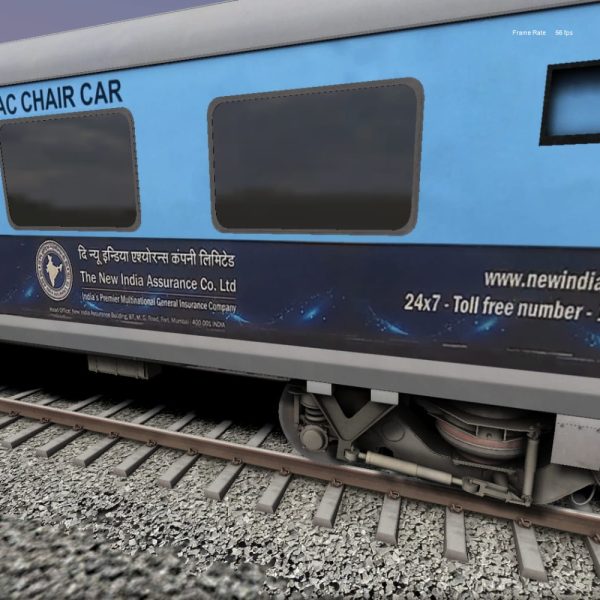
AC CHAIR CAR WITH AD For Aktrains
Login to see pricesAC CHAIR CAR WITH AD For Aktrains
How to Install AC CHAIR CAR WITH AD For Aktrains Via Client App
1. Download the MIB Client App: Visit the MIB Production website and download the client app.
2. Login: Open the app and enter your User ID, Email ID, and App Login Key.
3. Access Premium Addons: Navigate to the “Premium Addons” section within the app.
4. Select AC Chair Car with AD: Find and select “AC Chair Car with AD.”
5. Install: Click on the install button; the client will automatically install in this directory:
`RailWorks\Assets\aktrains\NFR\RailVehicles\Passenger\LHB\Sleeper\Textures`.
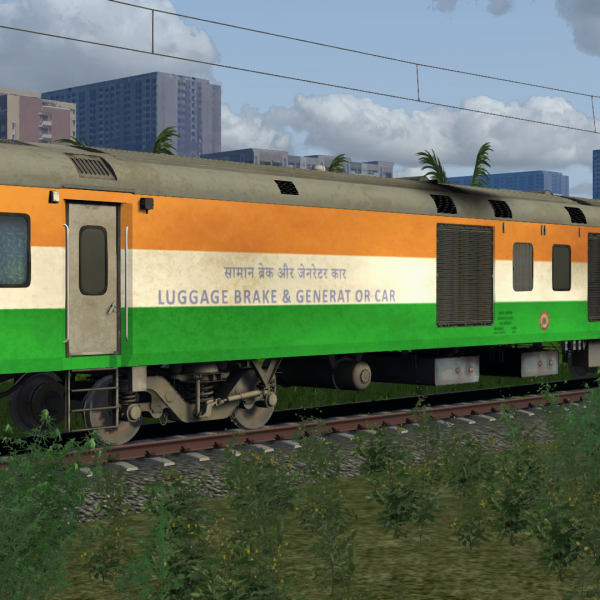
INDEPENDENCE DAY SPECIAL REPAINT- AK TRAINS POWER CAR REPAINT BY AR SIMULATION
Login to see pricesINDEPENDENCE DAY SPECIAL REPAINT FOR AK TRAINS LHB POWER CAR (EOG) BY AR SIMULATION.
COPY THE ASSETS FOLDER AND PASTE IN YOUR RAILWORKS DIRECTORY.
REQUIREMENTS: AK TRAINS LHB PACK