
Shop
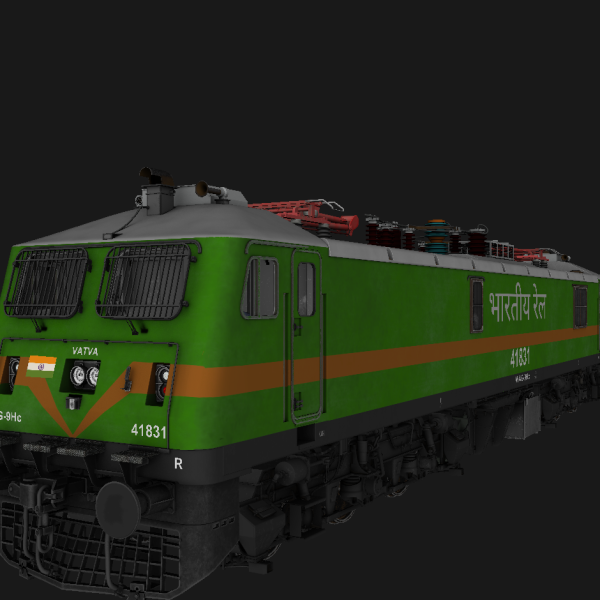
MIB_WAG9_Vatva Pack TrueHR For MSTS
Login to see pricesMIB_WAG9_Vatva Pack TrueHR For MSTS
This Include
- MIB_WAG9_Vatva_38145 with High Rise pantograph
- MIB_WAG9_Vatva_41831 with High Rise pantograph
🔹 *Animations*:
Doors
Wipers
headlight / Taillight / Cablights
Cabin Controls
Signal Exchange
🔹 *3D Cab Loco* with 3D Cab & High Quality Sounds
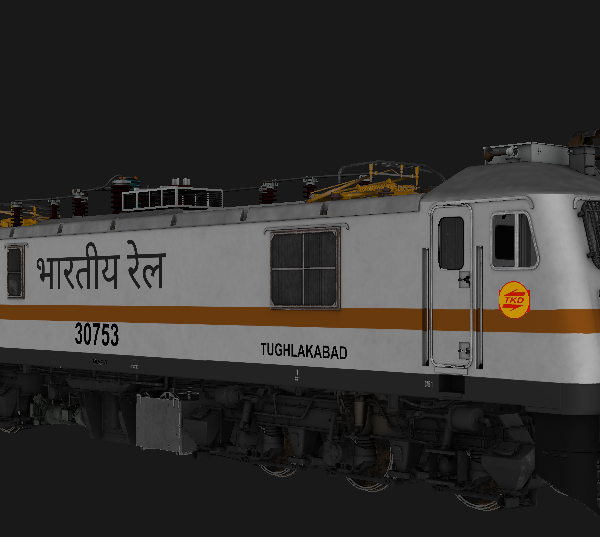
MIB_WAP7_TKD_37053 For MSTS
Login to see pricesMIB_WAP7_TKD_37053 For MSTS
🔹 *Animations*:
Doors
Wipers
headlight / Taillight / Cablights
Cabin Controls
Signal Exchange
🔹 *3D Cab Loco* with 3D Cab & High Quality Sounds
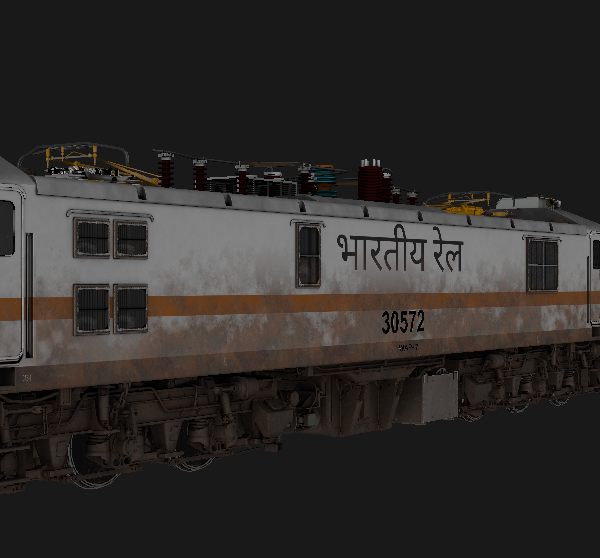
MIB_WAP7_LGD_30572 For MSTS
Login to see pricesMIB_WAP7_LGD_30572 For MSTS
🔹 *Animations*:
Doors
Wipers
headlight / Taillight / Cablights
Cabin Controls
Signal Exchange
🔹 *3D Cab Loco* with 3D Cab & High Quality Sounds
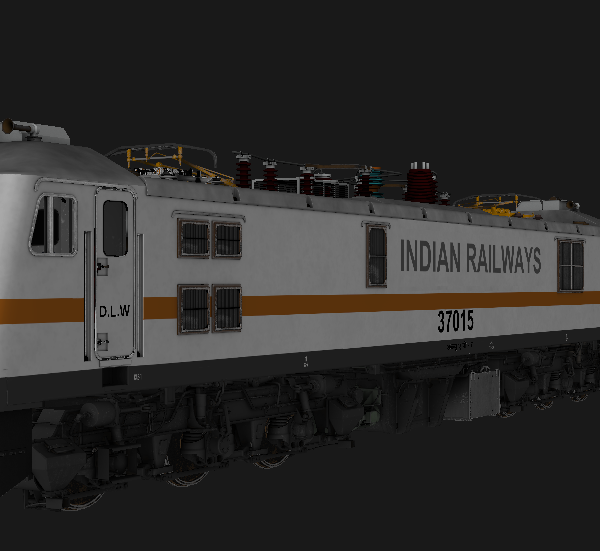
MIB_WAP7_KJM_37015 For MSTS
Login to see pricesMIB_WAP7_KJM_37015 For MSTS
This Pack Included
- WAP7_KJM_37015
- WAP7_KJM_LX3600_37015
🔹 *Animations*:
Doors
Wipers
headlight / Taillight / Cablights
Cabin Controls
Signal Exchange
🔹 *3D Cab Loco* with 3D Cab & High Quality Sounds
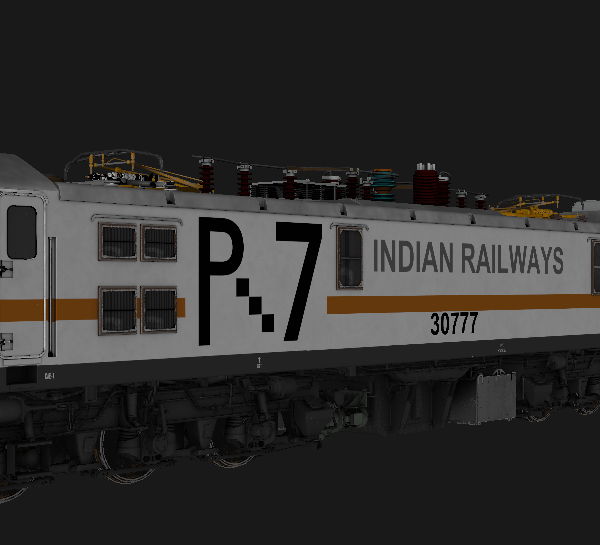
MIB_WAP7_GZB_30777 For MSTS
Login to see pricesMIB_WAP7_GZB_30777 For MSTS
🔹 *Animations*:
Doors
Wipers
headlight / Taillight / Cablights
Cabin Controls
Signal Exchange
🔹 *3D Cab Loco* with 3D Cab & High Quality Sounds
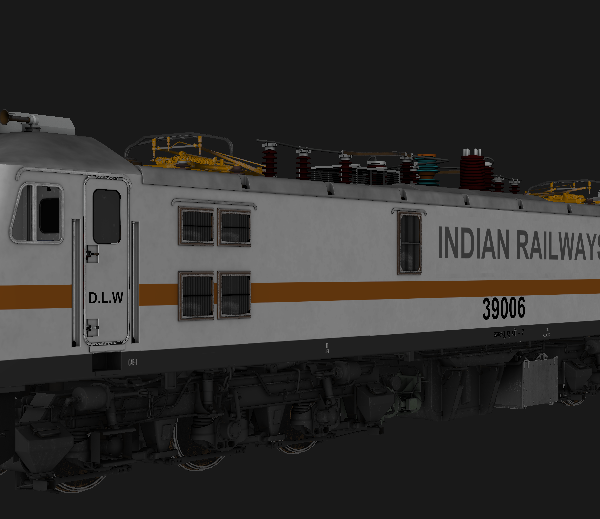
MIB_WAP7_ET_39006 For MSTS
Login to see pricesMIB_WAP7_ET_39006 For MSTS
🔹 *Animations*:
Doors
Wipers
headlight / Taillight / Cablights
Cabin Controls
Signal Exchange
🔹 *3D Cab Loco* with 3D Cab & High Quality Sounds
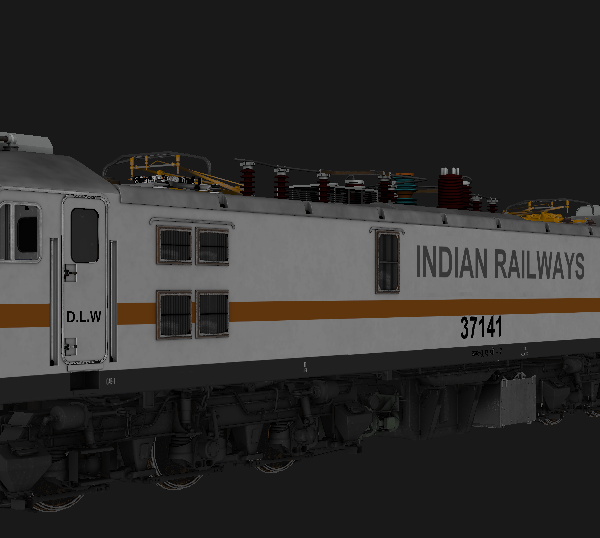
MIB_WAP7_CNB_37141 For MSTS
Login to see pricesMIB_WAP7_CNB_37141 For MSTS
🔹 *Animations*:
Doors
Wipers
headlight / Taillight / Cablights
Cabin Controls
Signal Exchange
🔹 *3D Cab Loco* with 3D Cab & High Quality Sounds
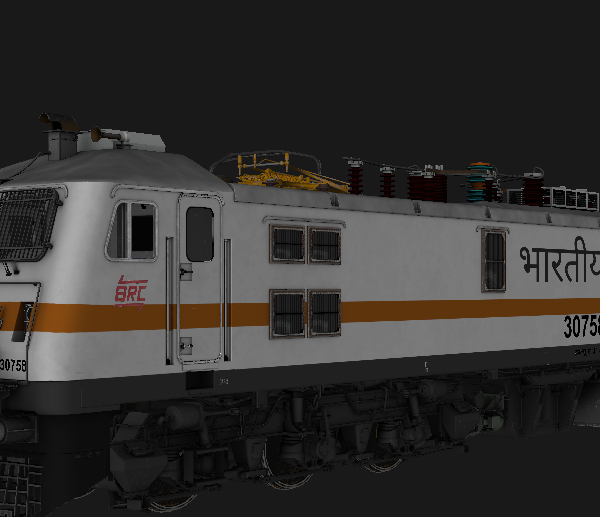
MIB_WAP7_BRC_30758 For MSTS
Login to see pricesMIB_WAP7_BRC_30758 For MSTS
🔹 *Animations*:
Doors
Wipers
headlight / Taillight / Cablights
Cabin Controls
Signal Exchange
🔹 *3D Cab Loco* with 3D Cab & High Quality Sounds
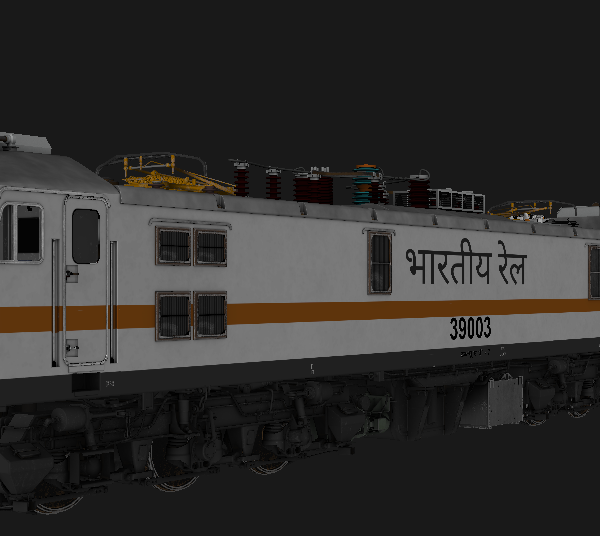
MIB_WAP7_AJNI_39003 For MSTS
Login to see pricesMIB_WAP7_AJNI_39003 For MSTS
🔹 *Animations*:
Doors
Wipers
headlight / Taillight / Cablights
Cabin Controls
Signal Exchange
🔹 *3D Cab Loco* with 3D Cab & High Quality Sounds
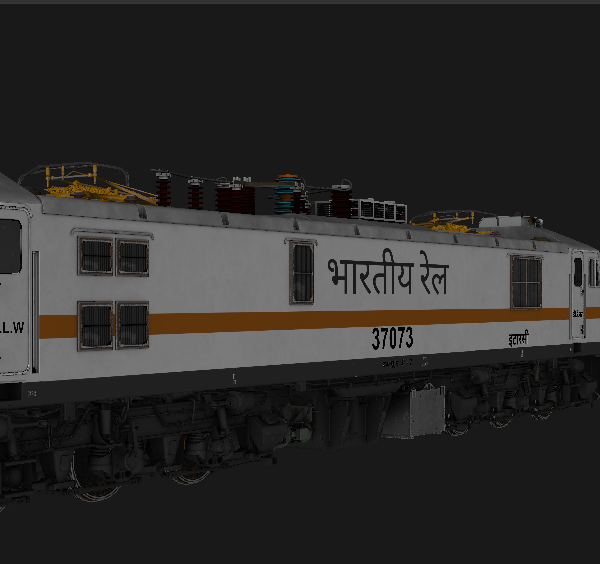
MIB_WAP7_ET_37073 For MSTS
Login to see pricesMIB_WAP7_ET_37073 For MSTS
🔹 *Animations*:
Doors
Wipers
headlight / Taillight / Cablights
Cabin Controls
Signal Exchange
🔹 *3D Cab Loco* with 3D Cab & High Quality Sounds
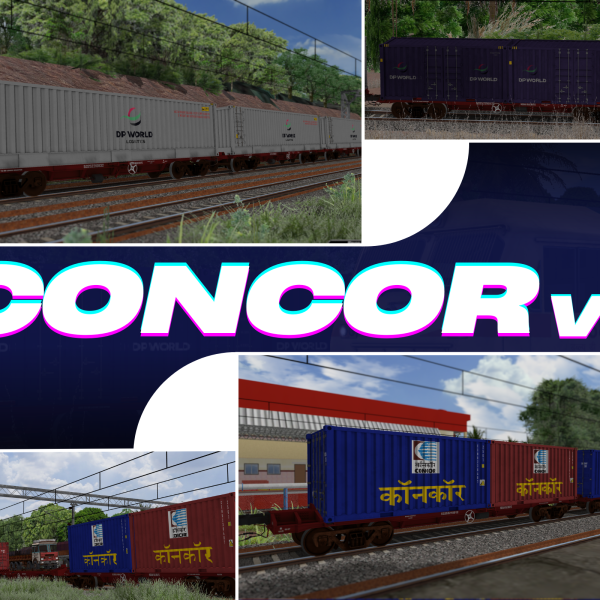
CONCOR Wagons For MSTS
Login to see pricesCONCOR Wagons For MSTS
CONCOR Wagons
– Equipped with high-quality track sounds for an authentic freight experience.
– Features multiple container types, adding variety and realism to freight consists.
– Accurately designed with detailed bogies, underframes, and textures.
– Optimized for Open Rails, ensuring smooth performance.
– Ideal for container-based freight operations in MSTS.
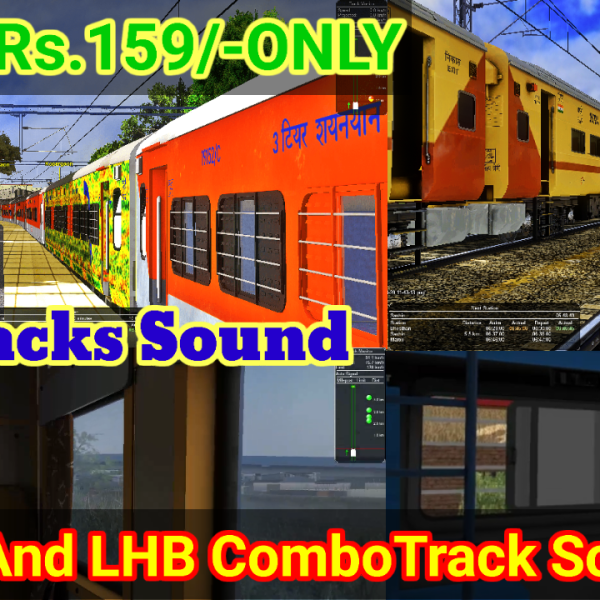
ICF AC And LHB Track Sound Combo Pack
Login to see pricesICF AC And LHB Track Sound Combo Pack
ICF AC Sound Only Bgpro AC work step brw Sleepr Use And BGpro ICF AC Use Than Track Sound Working LHB Step Very Simple Any Caoch Sound Copy And Paste File This Sound In Work
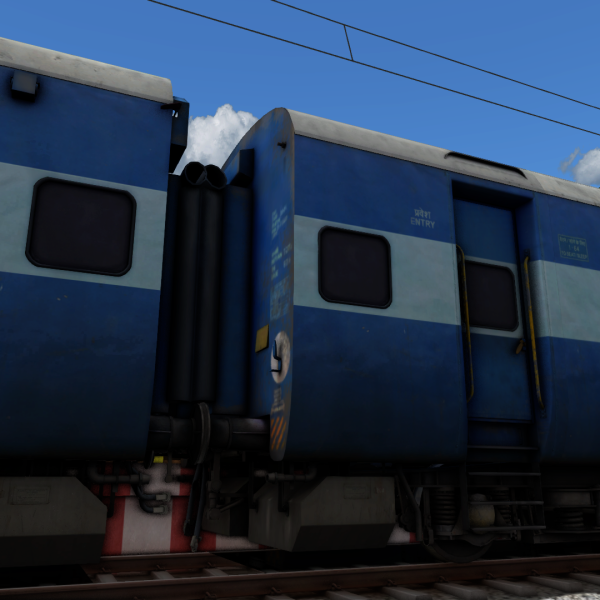
AKTRAIN ICF Track Sound
Login to see pricesAKTRAIN ICF Track Sound
The AKTRAIN ICF Track Sound by MIB Production offers an immersive auditory experience for rail enthusiasts and simulation gamers. This high-definition sound pack enhances your railworks with realistic ICF train sounds, bringing authenticity to your virtual railway environment.
Include :
- slow sound
- fast sound
- HD Track Sound
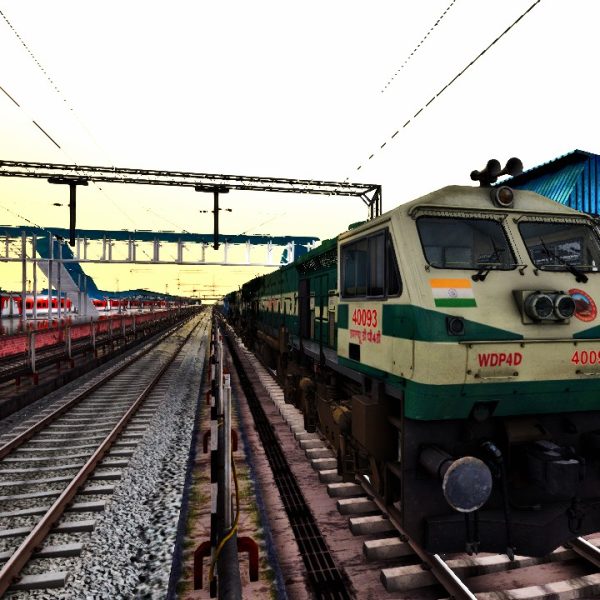
AK TRAINS WDP4D SOUND
Login to see pricesAK TRAINS WDP4D SOUND
Include:-
Horn sound
bell Sound
To install the AK TRAINS WDP4D SOUND .rwp file in Train Simulator (Railworks), follow these five straightforward steps:
Installation Instructions
Step 1: Download the .rwp File
– Locate and download the AK TRAINS WDP4D SOUND .rwp file from a trusted source. Save it to a convenient location, such as your Desktop or a dedicated folder.
Step 2: Open Utilities.exe
– Navigate to your Train Simulator installation folder, typically found at `C:Program Files (x86)SteamsteamappscommonRailWorks`.
– Launch Utilities.exe by double-clicking on it. This tool is essential for managing and installing add-ons.
Step 3: Access Package Manager
– In the Utilities window, click on Package Manager.
– Once in the Package Manager, press the Refresh button to ensure all available packages are loaded.
Step 4: Install the .rwp File
– After refreshing, click on Install.
– A file browser will open; navigate to and select the downloaded AK TRAINS WDP4D SOUND .rwp file.
– Click Open and wait for the installation process to complete.
Step 5: Close Utilities and Launch the Game
– Once installation is finished, close Utilities.exe.
– Start Train Simulator to enjoy your newly installed sound enhancements.
By following these steps, you will successfully install the AK TRAINS WDP4D SOUND .rwp file and enhance your Train Simulator experience with authentic locomotive sounds.
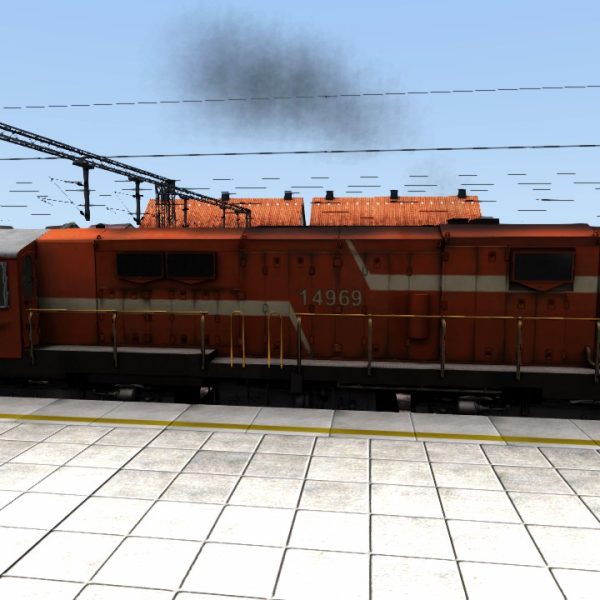
AK TRAINS WDG3A SOUND
Login to see pricesAK TRAINS WDG3A SOUND
Include:-
- Horn sound
- bell Sound
To install the AK TRAINS WDG3A SOUND .rwp file in Train Simulator (Railworks), follow these five straightforward steps:
Installation Instructions
Step 1: Download the .rwp File
– Locate and download the AK TRAINS WDG3A SOUND .rwp file from a trusted source. Save it to a convenient location, such as your Desktop or a dedicated folder.
Step 2: Open Utilities.exe
– Navigate to your Train Simulator installation folder, typically found at `C:Program Files (x86)SteamsteamappscommonRailWorks`.
– Launch Utilities.exe by double-clicking on it. This tool is essential for managing and installing add-ons.
Step 3: Access Package Manager
– In the Utilities window, click on Package Manager.
– Once in the Package Manager, press the Refresh button to ensure all available packages are loaded.
Step 4: Install the .rwp File
– After refreshing, click on Install.
– A file browser will open; navigate to and select the downloaded AK TRAINS WDG3A SOUND .rwp file.
– Click Open and wait for the installation process to complete.
Step 5: Close Utilities and Launch the Game
– Once installation is finished, close Utilities.exe.
– Start Train Simulator to enjoy your newly installed sound enhancements.
By following these steps, you will successfully install the AK TRAINS WDG3A SOUND .rwp file and enhance your Train Simulator experience with authentic locomotive sounds.
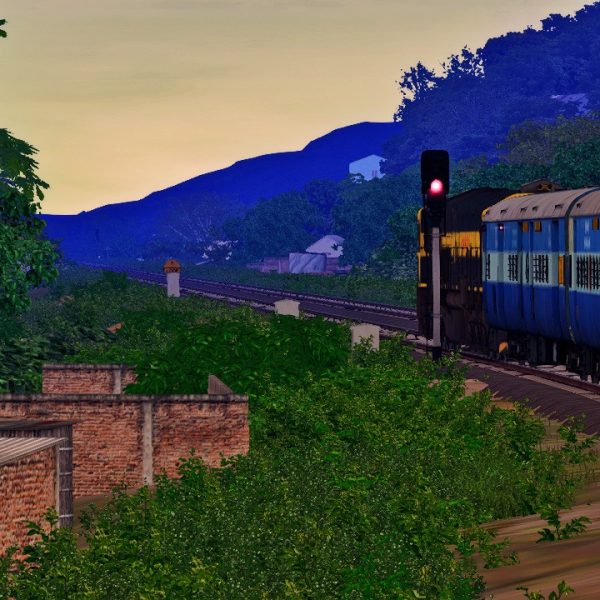
AKtrains ICF Track Sound
Login to see pricesAKtrains ICF Track Sound By atulojha281
Installation Instruction:
To install the AKtrains ICF Track Sound .rwp file in Train Simulator (Railworks), follow these five simple steps:
Step 1: Download the .rwp File
– Locate and download the AKtrains ICF Track Sound .rwp file from a trusted source. Save it to a convenient location, such as your Desktop or a dedicated folder.
Step 2: Open Utilities.exe
– Navigate to your Train Simulator installation folder, typically found at `C:Program Files (x86)SteamsteamappscommonRailWorks`.
– Launch Utilities.exe by double-clicking on it. This tool is essential for managing and installing add-ons.
Step 3: Access Package Manager
– In the Utilities window, click on “Package Manager.”
– Once in the Package Manager, press the “Refresh” button to ensure all available packages are loaded.
Step 4: Install the .rwp File
– After refreshing, click on “Install.”
– A file browser will open; navigate to and select the downloaded AKtrains ICF Track Sound .rwp file.
– Click “Open” and wait for the installation process to complete.
Step 5: Close Utilities and Launch the Game
– Once installation is finished, close Utilities.exe.
– Start Train Simulator to enjoy your newly installed track sound enhancements.
Following these steps will ensure that you successfully install your .rwp file and enhance your Train Simulator experience with AKtrains ICF Track Sound.
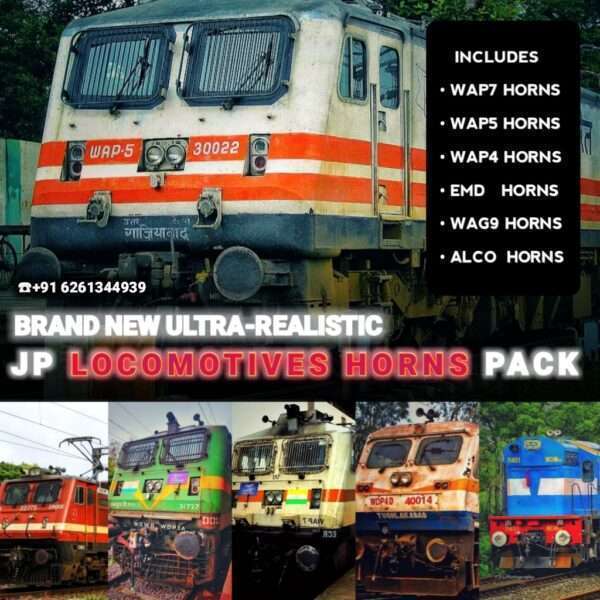
JP HORNS PACK V1
Login to see pricesJP HORNS PACK V1
BRAND NEW LOCOMOTIVES HORNS RELEASED, WITH MANY DIFFERENT TYPES OF HORNS INCLUDED
INCLUDES 8 DIFFERENT TYPES OF
-> WAP7 HORNS
-> WAP5 HORNS
-> WAP4 HORNS
-> WAG9 HORNS
-> EMD/ALCO HORNS
FOR MORE DETAILS CONTACT ME ON WHATSAPP
+91 6261344939
ICF V-1 (Track Sound)
Login to see pricesICF V-1 (Track Sound)
Ultra Realastic Track Sounds Recorded By Ludhwani Gaming
ICF ERA
FEATURES
– NEW BRAKE SOUNDS ADDED
-FLANGE SOUNDS ADDED
-(0-120 KMPH SPEED)
-AC WHINE SOUNDS ADDED
& MANY MORE
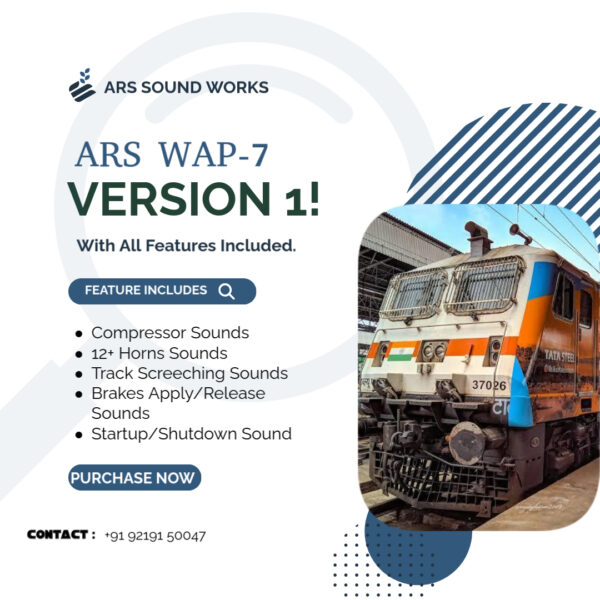
ARS_WAP7_V1
Login to see pricesARS_WAP7_V1
This Product Includes Full Wap7 Sound With All Features Included Like :-
•Brakes Apply/Release Sound
•Compressors Sounds
& Many More Features
After Purchase Kindly Dm/ WhatsApp On :- +91 92191 50047.
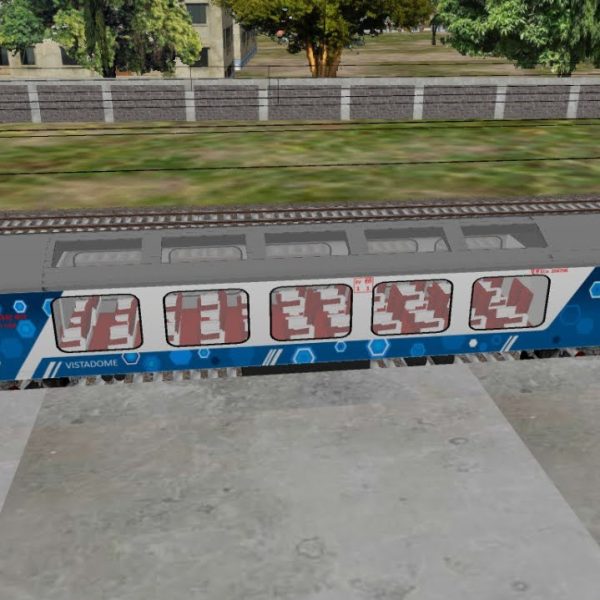
Vistadome (MIB) For Msts
Login to see pricesVistadome (MIB) For Msts
HD Texture
HD Interior
HD Track Sound
Wheels Animated
Door Animated