
Shop
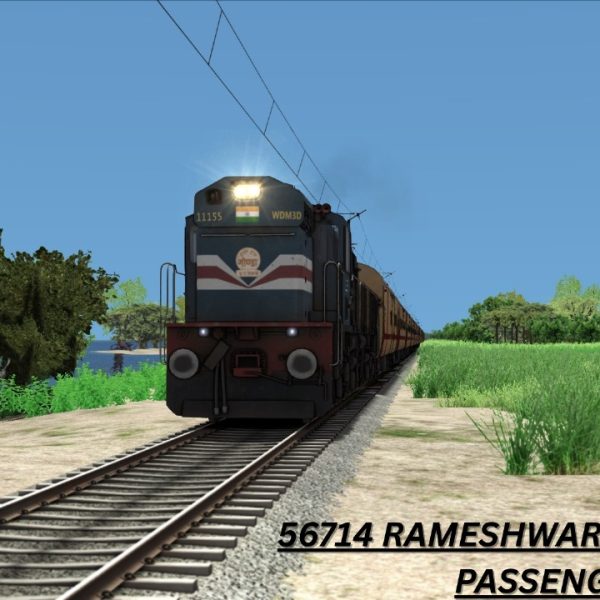
56714 RAMESHWARAM MADURAI PASSENGER Premium Scenarios For RAMESHWARAM ROUTE V1
Login to see prices56714 RAMESHWARAM MADURAI PASSENGER Premium Scenarios For RAMESHWARAM ROUTE V1
SCENARIO NAME :56714 RAMESHWARAM MADURAI PASSENGER Premium Scenarios
DESTINATION : RAMESHWARAM TO MANAMADURAI
LUA SCRIPT : YES
GUARD VOICE : YES
CUSTOM ANNOUNCEMENT : YES
VENDORS SOUND :YES
DURATION : 175 min
ADDONE : FLG
Scenario makers: VVR GAMING TAMIL
ROUTE : RAMESHWARAM ROUTE V1
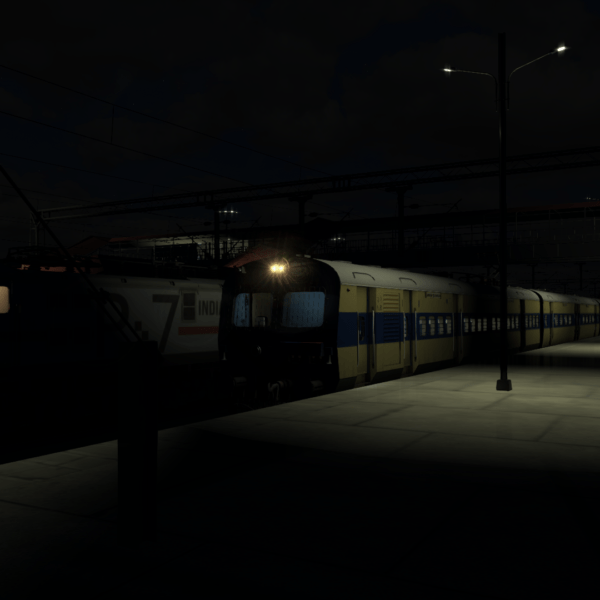
63224 Ara – Patna MEMU Express Premium Scenario For ECR Route
Login to see prices63224 Ara – Patna MEMU Express Premium Scenario For ECR Route
Premium Scenario of 63224 Ara – Patna MEMU Express Premium Scenario For ECR Route
DESTINATION : Ara to Patna
LUA SCRIPT : yes
GUARD VOICE : yes
CUSTOM ANNOUNCEMENT : yes
VENDORS SOUND :yes
DURATION : 80 Mins
ADDONS : FLG (Wap7, wag9, wag7), IndoSimWorld (Freight Pack), ITS LHB
IMP NOTE : AK AND ITS AMRIT BHARAT LHB REQUIRED WITHOUT THIS GAME WILL NOT RUN !!
Scenario makers: Infinity Gaming
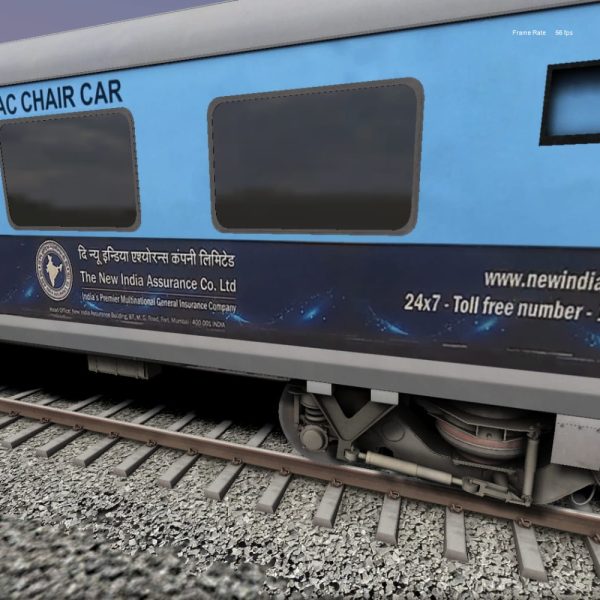
AC CHAIR CAR WITH AD For Aktrains
Login to see pricesAC CHAIR CAR WITH AD For Aktrains
How to Install AC CHAIR CAR WITH AD For Aktrains Via Client App
1. Download the MIB Client App: Visit the MIB Production website and download the client app.
2. Login: Open the app and enter your User ID, Email ID, and App Login Key.
3. Access Premium Addons: Navigate to the “Premium Addons” section within the app.
4. Select AC Chair Car with AD: Find and select “AC Chair Car with AD.”
5. Install: Click on the install button; the client will automatically install in this directory:
`RailWorks\Assets\aktrains\NFR\RailVehicles\Passenger\LHB\Sleeper\Textures`.


AJ 3 Phresar WAP7 V.1 Horn Sound
Login to see pricesAJ WAP7 Horn Sound
1. HD and realistic start sound
2. Daynamic speed change horn
3. Realistic cab sound and redio announcement
4. Break and door opening and closing sound
Pre-price:-Rs.69/-
After release price:-Rs.89/-

AJ All Sound Pack In Combo With Latest Update free
Login to see pricesAJ All Sound Pack In Combo
Including-
- ICF AC SOUND
- LHB AC SOUND
- LHB V1
- LHB V2
- EOG V1
- EOG V2
Any Installing And Password problem Contect :-8108326423
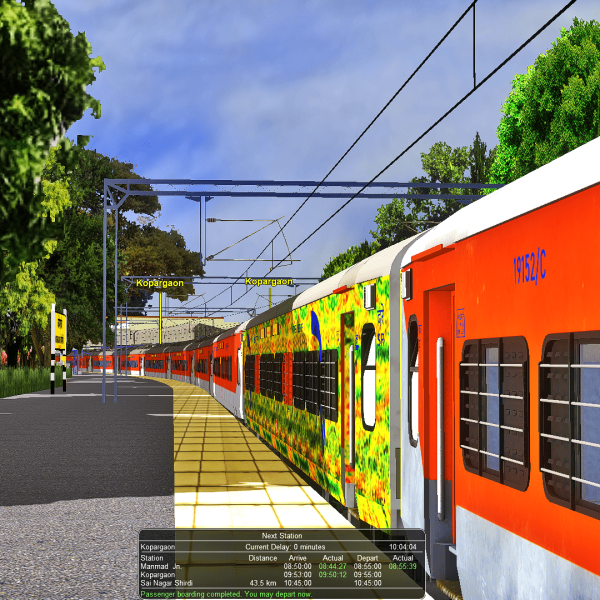
AJ ICF TRACK SOUND FOR MSTS
Login to see pricesAJ ICF TRACK SOUND FOR MSTS
INSTALTION PROCESS :-BRW SLEEPER COACH ADD BGPRO ICF AC COACH ADD THAN AC TRACK SOUND WORK
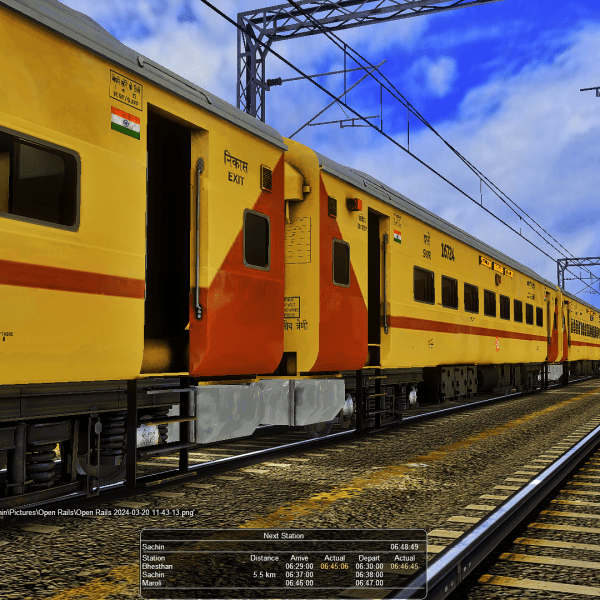
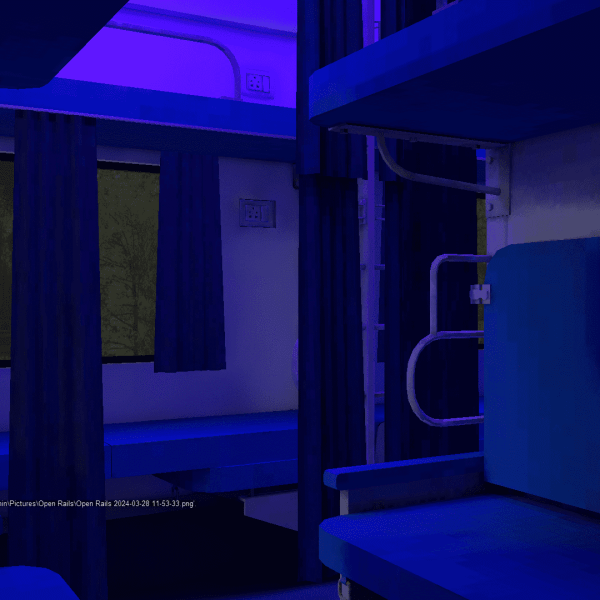
AJ LHB AC TRACK SOUND
Login to see pricesAJ LHB AC TRACK SOUND
bg pro lhb rajdhani ac coach me ye sound file paste krna phir tsre se edit krna bgpro ac coach use kro or vg ke lhb saleeper coach use kro konsa bhi lhb sleeper hoga to bhi chalega bus phir enjoy kro sound ko
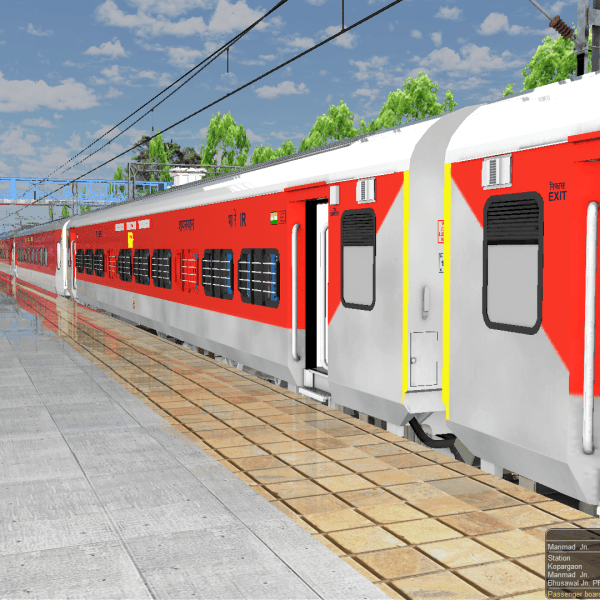
AJ LHB V.3 Flate Wheel SOUND
Login to see pricesAJ LHB Flate Sound Pre-Order Price
This Sound Any Coach Work installing Problem Contect:-8108326423
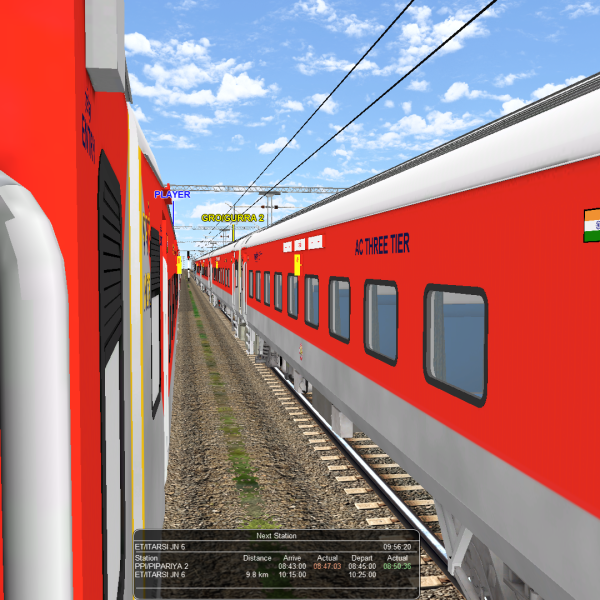
AJ LHB V.4
Login to see pricesMy sound is very hd and high qulity sounds and very realstic sound provide by AJ production
Note:- after Sound purchase plese dm now-8108326423
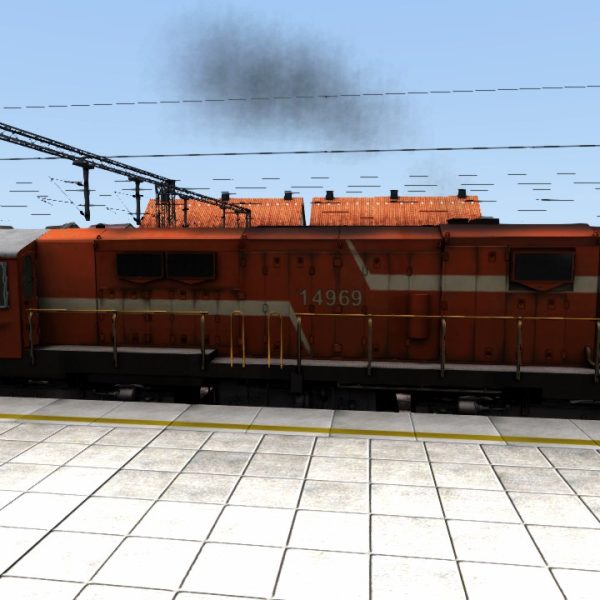
AK TRAINS WDG3A SOUND
Login to see pricesAK TRAINS WDG3A SOUND
Include:-
- Horn sound
- bell Sound
To install the AK TRAINS WDG3A SOUND .rwp file in Train Simulator (Railworks), follow these five straightforward steps:
Installation Instructions
Step 1: Download the .rwp File
– Locate and download the AK TRAINS WDG3A SOUND .rwp file from a trusted source. Save it to a convenient location, such as your Desktop or a dedicated folder.
Step 2: Open Utilities.exe
– Navigate to your Train Simulator installation folder, typically found at `C:Program Files (x86)SteamsteamappscommonRailWorks`.
– Launch Utilities.exe by double-clicking on it. This tool is essential for managing and installing add-ons.
Step 3: Access Package Manager
– In the Utilities window, click on Package Manager.
– Once in the Package Manager, press the Refresh button to ensure all available packages are loaded.
Step 4: Install the .rwp File
– After refreshing, click on Install.
– A file browser will open; navigate to and select the downloaded AK TRAINS WDG3A SOUND .rwp file.
– Click Open and wait for the installation process to complete.
Step 5: Close Utilities and Launch the Game
– Once installation is finished, close Utilities.exe.
– Start Train Simulator to enjoy your newly installed sound enhancements.
By following these steps, you will successfully install the AK TRAINS WDG3A SOUND .rwp file and enhance your Train Simulator experience with authentic locomotive sounds.
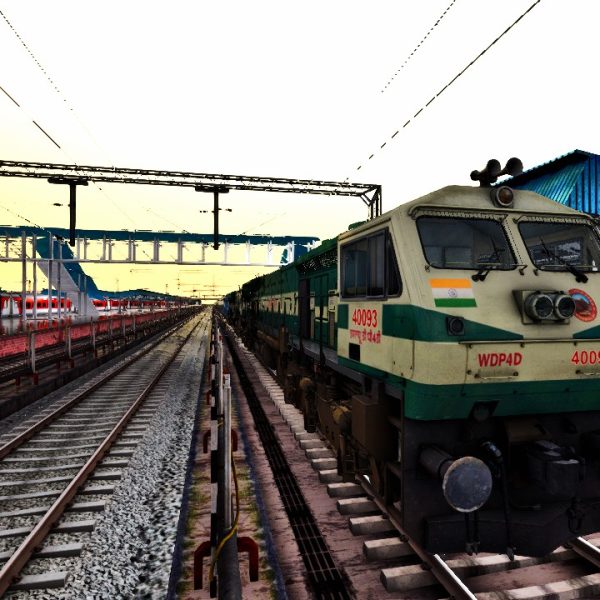
AK TRAINS WDP4D SOUND
Login to see pricesAK TRAINS WDP4D SOUND
Include:-
Horn sound
bell Sound
To install the AK TRAINS WDP4D SOUND .rwp file in Train Simulator (Railworks), follow these five straightforward steps:
Installation Instructions
Step 1: Download the .rwp File
– Locate and download the AK TRAINS WDP4D SOUND .rwp file from a trusted source. Save it to a convenient location, such as your Desktop or a dedicated folder.
Step 2: Open Utilities.exe
– Navigate to your Train Simulator installation folder, typically found at `C:Program Files (x86)SteamsteamappscommonRailWorks`.
– Launch Utilities.exe by double-clicking on it. This tool is essential for managing and installing add-ons.
Step 3: Access Package Manager
– In the Utilities window, click on Package Manager.
– Once in the Package Manager, press the Refresh button to ensure all available packages are loaded.
Step 4: Install the .rwp File
– After refreshing, click on Install.
– A file browser will open; navigate to and select the downloaded AK TRAINS WDP4D SOUND .rwp file.
– Click Open and wait for the installation process to complete.
Step 5: Close Utilities and Launch the Game
– Once installation is finished, close Utilities.exe.
– Start Train Simulator to enjoy your newly installed sound enhancements.
By following these steps, you will successfully install the AK TRAINS WDP4D SOUND .rwp file and enhance your Train Simulator experience with authentic locomotive sounds.
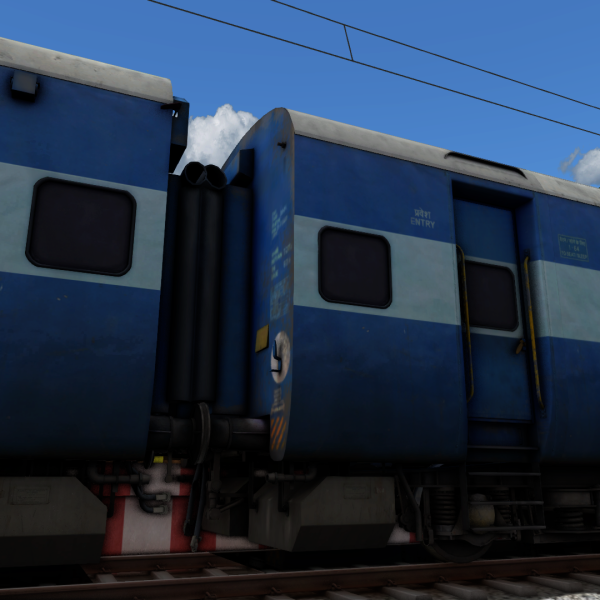
AKTRAIN ICF Track Sound
Login to see pricesAKTRAIN ICF Track Sound
The AKTRAIN ICF Track Sound by MIB Production offers an immersive auditory experience for rail enthusiasts and simulation gamers. This high-definition sound pack enhances your railworks with realistic ICF train sounds, bringing authenticity to your virtual railway environment.
Include :
- slow sound
- fast sound
- HD Track Sound
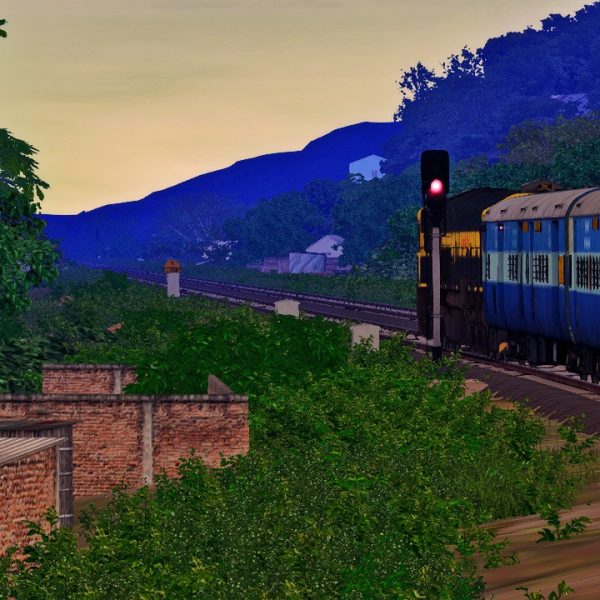
AKtrains ICF Track Sound
Login to see pricesAKtrains ICF Track Sound By atulojha281
Installation Instruction:
To install the AKtrains ICF Track Sound .rwp file in Train Simulator (Railworks), follow these five simple steps:
Step 1: Download the .rwp File
– Locate and download the AKtrains ICF Track Sound .rwp file from a trusted source. Save it to a convenient location, such as your Desktop or a dedicated folder.
Step 2: Open Utilities.exe
– Navigate to your Train Simulator installation folder, typically found at `C:Program Files (x86)SteamsteamappscommonRailWorks`.
– Launch Utilities.exe by double-clicking on it. This tool is essential for managing and installing add-ons.
Step 3: Access Package Manager
– In the Utilities window, click on “Package Manager.”
– Once in the Package Manager, press the “Refresh” button to ensure all available packages are loaded.
Step 4: Install the .rwp File
– After refreshing, click on “Install.”
– A file browser will open; navigate to and select the downloaded AKtrains ICF Track Sound .rwp file.
– Click “Open” and wait for the installation process to complete.
Step 5: Close Utilities and Launch the Game
– Once installation is finished, close Utilities.exe.
– Start Train Simulator to enjoy your newly installed track sound enhancements.
Following these steps will ensure that you successfully install your .rwp file and enhance your Train Simulator experience with AKtrains ICF Track Sound.
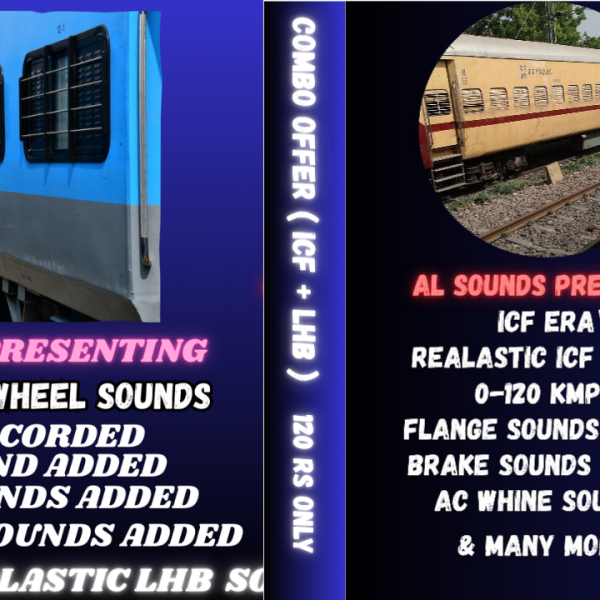
AL_SOUNDS_COMBO_PACK
Login to see pricesAL_SOUNDS_COMBO_PACK
ICF & LHB
ULTRA REALASTIC SOUNDS BY AL SOUNDS
KINDLY DM ME AFTER PAYMENT WITH PAYMENT SCREEN SHOT :- 9580635341
(ONLY WHATSAPP MESSAGES ARE ALLOWED)