
Shop

Grand Theft Auto V (PC) – Rockstar Key – GLOBAL
Login to see pricesGrand Theft Auto V (PC) – Rockstar Key – GLOBAL
Grand Theft Auto V (GTA V) is an acclaimed open-world action-adventure game developed by Rockstar Games, allowing players to explore the sprawling city of Los Santos and engage in a variety of missions and activities. The game combines a rich narrative with extensive gameplay mechanics, making it a staple in the gaming community since its release.
Key Features
– Open-World Exploration: Experience the vast and dynamic environment of Los Santos, filled with diverse activities and side missions.
– Engaging Storylines: Follow the intertwining stories of three protagonists as they navigate their lives in a world of crime.
– Multiplayer Mode: Join friends online in GTA Online, featuring various competitive and cooperative modes.
– Modding Support: Enhance your gameplay experience with community-created mods.
System Requirements
Minimum Requirements
To run GTA V at a basic level, the following specifications are necessary:
– OS: Windows 7 64 Bit Service Pack 1 or higher
– Processor: Intel Core 2 Quad CPU Q6600 @ 2.40GHz (4 CPUs) or AMD Phenom 9850 Quad-Core Processor @ 2.5GHz
– Memory: 4 GB RAM
– Graphics Card: NVIDIA 9800 GT 1GB or AMD HD 4870 1GB (DirectX 10 compatible)
– Storage: 72 GB available space
– Sound Card: 100% DirectX 10 compatible
Recommended Requirements
For optimal performance and enhanced graphics, consider the following recommended specifications:
– OS: Windows 10 64 Bit or higher
– Processor: Intel Core i5 3470 @ 3.2GHz (4 CPUs) or AMD X8 FX-8350 @ 4GHz (8 CPUs)
– Memory: 8 GB RAM
– Graphics Card: NVIDIA GTX 660 2GB or AMD HD7870 2GB
– Storage: 72 GB available space
– Sound Card: 100% DirectX 10 compatible
Additional Information
Players must log in to the Rockstar Games Social Club for installation and online play, requiring an internet connection for activation and periodic verification. The game has a significant file size of approximately 72 GB, making it essential to ensure ample storage space before installation.
GTA V remains a benchmark for open-world gaming, known for its intricate design, engaging gameplay, and vibrant online community. Whether you’re a newcomer or a returning player, the experience promises to be immersive and entertaining.

Train Sim World 4 (PC) – Steam Key – GLOBAL
Login to see pricesTrain Sim World 4 (PC) – Steam Key – GLOBAL
Product Description
Step into the World of Railways: In Train Sim World 4, players can command meticulously recreated trains, from classic steam locomotives to modern high-speed engines. The game features expansive routes that traverse different landscapes, including bustling cities and serene countryside, each presenting unique challenges and visual delights.Key Features:
- Realistic Train Simulation: Control a range of trains with distinct handling characteristics for an authentic experience.
- Expansive Routes: Explore various locations with stunning visuals and intricate details.
- Advanced Controls: Master the complex systems of each train, including braking and acceleration.
- Dynamic Weather and Time of Day: Experience changing conditions that affect gameplay.
- Comprehensive Scenarios: Engage in missions that test your skills in managing schedules and passenger needs.
- Customization Options: Tailor your trains and routes to enhance your gaming experience.
- Stunning Visuals and Sound: Enjoy high-quality graphics and realistic sound effects that bring the railway world to life.
Release Date: September 26, 2023
Publisher/Developer: Dovetail Games
System requirements
Below are the minimum and recommended system specifications for Train Sim World 4 (PC) – Steam Key – GLOBAL. Due to potential programming changes, the minimum system requirements for Train Sim World 4 (PC) – Steam Key – GLOBAL may change over time.
Minimal requirements
System 64-bit Windows 10 or Windows 11
Processor Intel Core i5-4690 @ 3.5 GHz or AMD Ryzen 5 1500X @ 3.7 GHz
Memory 8 GB
Graphics NVIDIA GeForce GTX 750 Ti or AMD Radeon RX 460 with 2 GB VRAM or more
Disk space 80 GB available space
Other Requires mouse and keyboard or Xbox Controller
Recommended requirements
System 64-bit Windows 10 or Windows 11
Processor Intel Core i5-9600K @ 3.7 GHz or AMD Ryzen 5 3600 @ 3.6 GHz
Memory 16 GB
Graphics NVIDIA GeForce RTX 2060 6 GB or AMD Radeon RX 5700 with 8 GB VRAM or more
Disk space 80 GB available space
Other Requires mouse and keyboard or Xbox Controller
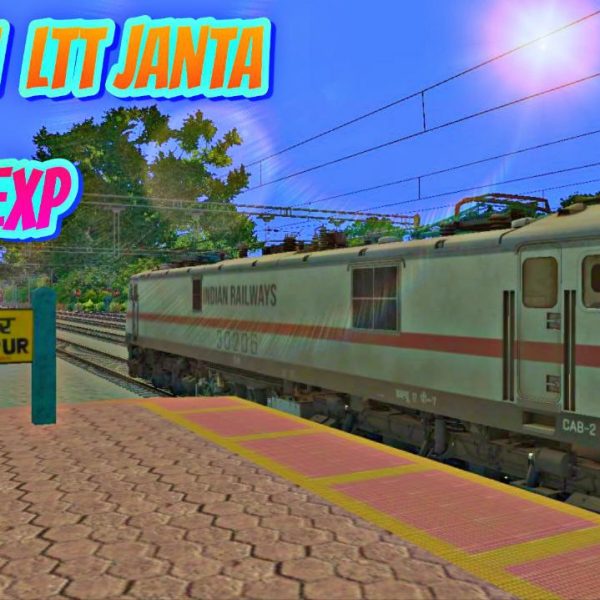
13201 MUMBAI LTT JANTA EXPRESS Premium Scenarios
Login to see prices13201 MUMBAI LTT JANTA EXPRESS Premium Scenarios
Scenario makers: Trainz huslter
Route : wcr v2
Destination: jabalpur to itarsi junction
Addon: FLG + AkLHB + FLG
Duration : 240mins
LUA scripting: yes
Gaurd sound Yes
Welcome to this exciting, realistic journey experience with lots of interesting events. 13201 JANTA EXPRESS Play this amazing scenario to unveil what happens next throughout the journey. You will enjoy this scenario till the very end minute of the scenario along with your guard & ALP radio and also the most realistic custom station announcement.
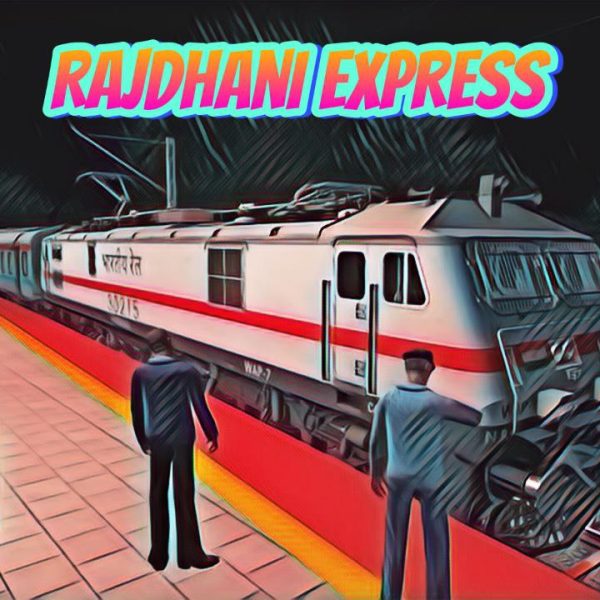
12425 JAMMU TAWI RAJDHANI EXPRESS Premium Scenarios
Login to see prices12425 JAMMU TAWI RAJDHANI EXPRESS Premium Scenarios
Scenario Name : 12425 JAMMU TAWI RAJDHANI EXPRESS
Scenario Maker : Trainz hustler
Route : Pathankot Jammu
Destination : Pathankot Cantt – Jammu Tawi
Addons : FLG + AKT LHB + FLG ITS LHB + FLG
Duration(mins) : 90
Lua Script : Yes
Gaurd Sound : Yes
Vendor Sound : Yes
Hello LP, you have the task of driving the 12425 jammu tawi rajdhani express today, from Pathankot Cantt to Jammu Tawi and our train is running 1h late due to truck accident.
This premium scenario include coustom light pack real announcement guard voice vendor sound etc which is based on real (LUA Scripting)
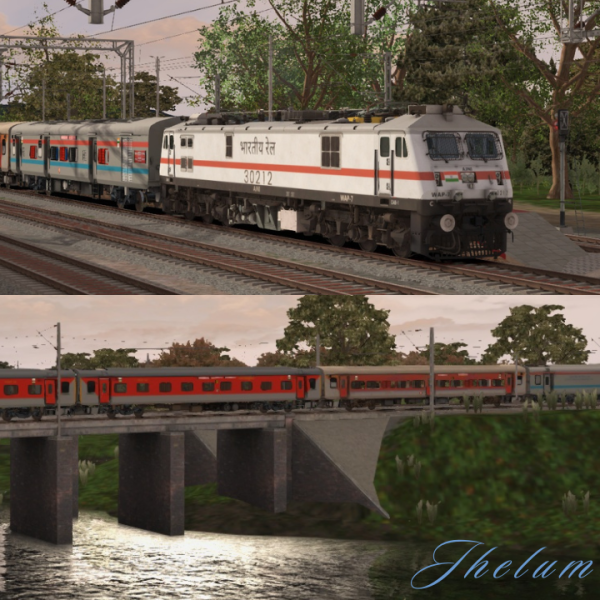
11077 Jhelum Express ( ITS LHB Version )
Login to see prices11077 Jhelum Express ( ITS LHB Version )
Scenario Name : 11077 Jhelum Express ( ITS LHB Version )
Scenario Maker : GAMEZ_HUT
Route : Pathankot Jammu
Destination : Pathankot Cantt – Jammu Tawi
Addons : FLG + ITS LHB
Duration(mins) : 150
11077 Jhelum Express Which Runs Daily in Between PUNE/Pune Junction – JAT/Jammu Tawi. Your Duty Is to Drive it From Pathankot Cantt PF No. 02 To Till Jammu Tawi .. Please Follow to Given Instructions And Don’t Over Speed. Reach Every Stop On time. Enjoyee The beauty Of Train Journey Morning Time. Scenario By @GAMEZ_HUT (@GAMEZ_HUT).
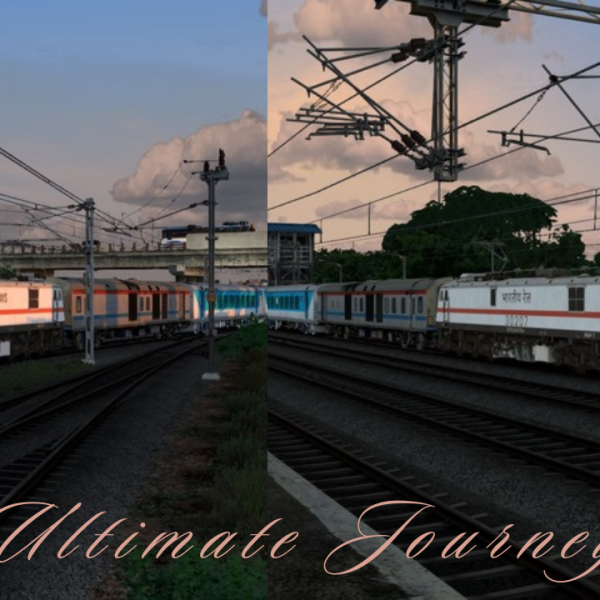
17233 Bhagyanagar Express (A K LHB Version ) For SCR V1
Login to see prices17233 Bhagyanagar Express (A K LHB Version ) For SCR V1
Scenario Name : 17233 Bhagyanagar Express
Scenario Maker : GAMEZ_HUT
Route : SCR V1
Destination : Secunderabad – Kazipet
Addons : AK FLG
Duration(mins) : 210
17233 Bhagyanagar Express Which Runs Daily in Between SC/ Secunderabad – SKZR/ Sirpur Kaghaznagar. Your Duty Is to Drive it From Secunderabad PF No. 04 To Till Kazipet Jn.. Please Follow to Given Instructions And Don’t Over Speed. Reach Every Stop On time. If u

Train Simulator Classic 2024 (PC) – Steam Key
Login to see pricesTrain Simulator Classic 2024 (PC) – Steam Key
Train Simulator Classic 2024 is an immersive simulation game that invites players to experience the excitement of railway operations across various iconic routes worldwide. Developed by Dovetail Games, this title celebrates the rich history and future of trains, offering a comprehensive platform for both seasoned rail enthusiasts and newcomers alike. 🚂
Key Features
– Explore Famous Railways: Travel over 450 km of meticulously recreated tracks in five countries, including:
– The scenic North Wales Coast Line in the UK
– The picturesque Saxony countryside in Germany
– The bustling Northeast Corridor in the USA
– The stunning landscapes of Marseille – Avignon in France
– The breathtaking Mittenwaldbahn in Austria
– Authentic Locomotives: Experience driving 12 officially licensed locomotives, including:
– Amtrak Acela®
– SNCF TGV Duplex
– DB BR 189 and many more!
– Create Your Journey: Utilize the powerful Train Simulator Editor to design your own scenarios and railways. With full Steam Workshop support, share your creations with a global community of railfans. 🎨
– Realistic Gameplay: Engage with realistic signalling, safety systems, and locomotive controls while enjoying 40 career scenarios that offer diverse rail experiences.
System Requirements
Minimum Requirements:
– OS: Windows 10 (64-bit)
– Processor: Intel Core i5 or equivalent
– Memory: 8 GB RAM
– Graphics: NVIDIA GeForce GTX 660 or AMD Radeon HD 7850 (2GB)
– DirectX: Version 11
– Storage: 30 GB available space
Recommended Requirements:
– OS: Windows 10 (64-bit)
– Processor: Intel Core i7 or equivalent
– Memory: 16 GB RAM
– Graphics: NVIDIA GeForce GTX 970 or AMD Radeon RX 580 (4GB)
– DirectX: Version 11
– Storage: SSD with 30 GB available space
Train Simulator Classic 2024 delivers a rich and detailed experience that is perfect for anyone looking to indulge their passion for trains. Whether you are racing through the Alps or managing freight operations, this game offers endless possibilities for exploration and creativity. 🌍
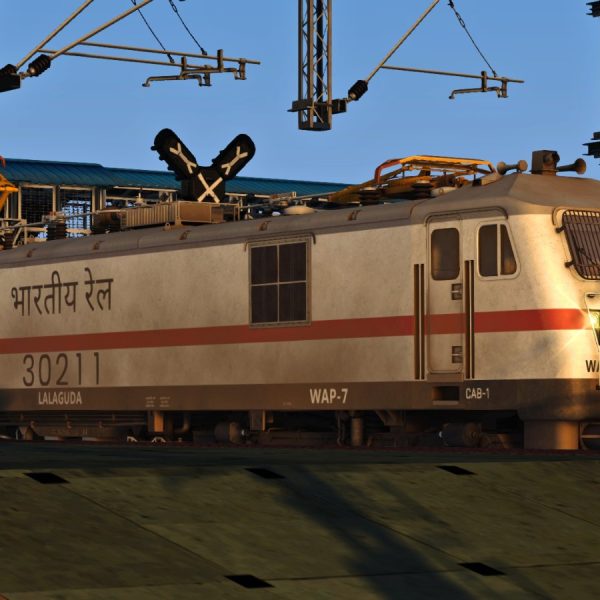
17406 Krishna Express premium scenarios
Login to see prices17406 Krishna Express premium scenarios
ROUTE : SCR
LOCO : WAP-7
COACH : AK LHB
DURATION : 240 Mins
LUA SCRIPT : Yes
Custom Station Announcement : Yes
ADDON USED : FLG + AK TRAIN
SOURCE STATION : Secunderabad Jn
DESTINATION : Warrangal
Scenario Maker:JOY STICK GAMER
The 17405 / 17406 Krishna Express also known as Sree Krishna Express, is an mail express train running between Tirupati Main of Andhra Pradesh and Adilabad of Telangana. It belongs to South Central Railways Secunderabad of Indian Railways and it takes 24 hours and 50 minutes to cover 1,148 km (713 mi) between its nodal stations.
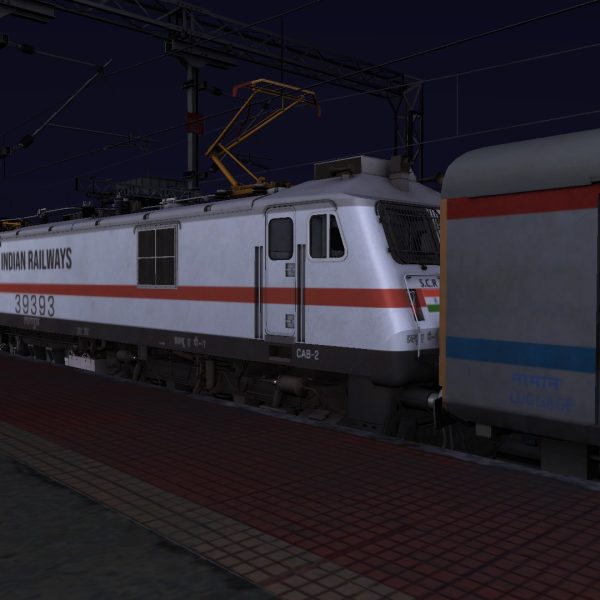
12722 Dakshin Express Premium Scenarios
Login to see prices12722 Dakshin Express Premium Scenarios
Scenario Name : 12722 Dakshin Express Premium Scenarios
Scenario Maker : by dgs
Route : SCR V1
Destination : Kazipet – Hyderabad
Addons : FLG AKtrains
Duration(mins) : 210
Try out the most awaited act by scenario by dgs. In this scenario, you would be hauling 12722 Dakshin Express from Kazipet to Hyderabad in SCR Route. Note that you must have all aktrains and flg adddons prior purchase.
This scenario has been created while keeping in mind that train is on time. In real life, it is always one to two hours late while it arrives at kazipet.
In my upcoming scenarios, i would be inculcating more of OT scenarios as am still in learning phase.
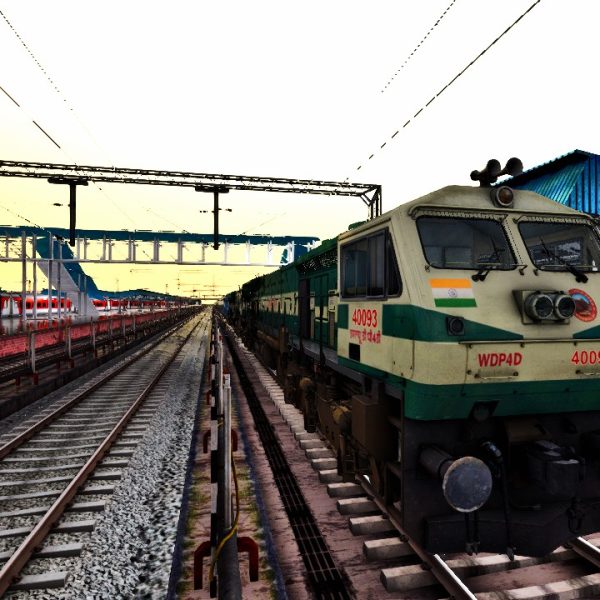
AK TRAINS WDP4D SOUND
Login to see pricesAK TRAINS WDP4D SOUND
Include:-
Horn sound
bell Sound
To install the AK TRAINS WDP4D SOUND .rwp file in Train Simulator (Railworks), follow these five straightforward steps:
Installation Instructions
Step 1: Download the .rwp File
– Locate and download the AK TRAINS WDP4D SOUND .rwp file from a trusted source. Save it to a convenient location, such as your Desktop or a dedicated folder.
Step 2: Open Utilities.exe
– Navigate to your Train Simulator installation folder, typically found at `C:Program Files (x86)SteamsteamappscommonRailWorks`.
– Launch Utilities.exe by double-clicking on it. This tool is essential for managing and installing add-ons.
Step 3: Access Package Manager
– In the Utilities window, click on Package Manager.
– Once in the Package Manager, press the Refresh button to ensure all available packages are loaded.
Step 4: Install the .rwp File
– After refreshing, click on Install.
– A file browser will open; navigate to and select the downloaded AK TRAINS WDP4D SOUND .rwp file.
– Click Open and wait for the installation process to complete.
Step 5: Close Utilities and Launch the Game
– Once installation is finished, close Utilities.exe.
– Start Train Simulator to enjoy your newly installed sound enhancements.
By following these steps, you will successfully install the AK TRAINS WDP4D SOUND .rwp file and enhance your Train Simulator experience with authentic locomotive sounds.
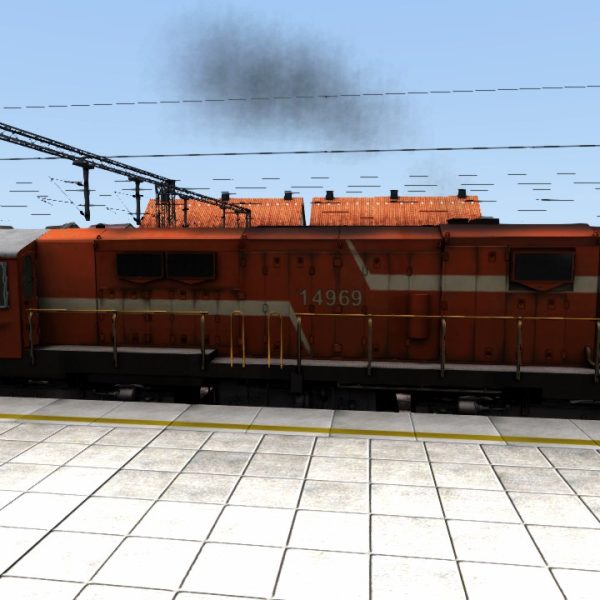
AK TRAINS WDG3A SOUND
Login to see pricesAK TRAINS WDG3A SOUND
Include:-
- Horn sound
- bell Sound
To install the AK TRAINS WDG3A SOUND .rwp file in Train Simulator (Railworks), follow these five straightforward steps:
Installation Instructions
Step 1: Download the .rwp File
– Locate and download the AK TRAINS WDG3A SOUND .rwp file from a trusted source. Save it to a convenient location, such as your Desktop or a dedicated folder.
Step 2: Open Utilities.exe
– Navigate to your Train Simulator installation folder, typically found at `C:Program Files (x86)SteamsteamappscommonRailWorks`.
– Launch Utilities.exe by double-clicking on it. This tool is essential for managing and installing add-ons.
Step 3: Access Package Manager
– In the Utilities window, click on Package Manager.
– Once in the Package Manager, press the Refresh button to ensure all available packages are loaded.
Step 4: Install the .rwp File
– After refreshing, click on Install.
– A file browser will open; navigate to and select the downloaded AK TRAINS WDG3A SOUND .rwp file.
– Click Open and wait for the installation process to complete.
Step 5: Close Utilities and Launch the Game
– Once installation is finished, close Utilities.exe.
– Start Train Simulator to enjoy your newly installed sound enhancements.
By following these steps, you will successfully install the AK TRAINS WDG3A SOUND .rwp file and enhance your Train Simulator experience with authentic locomotive sounds.
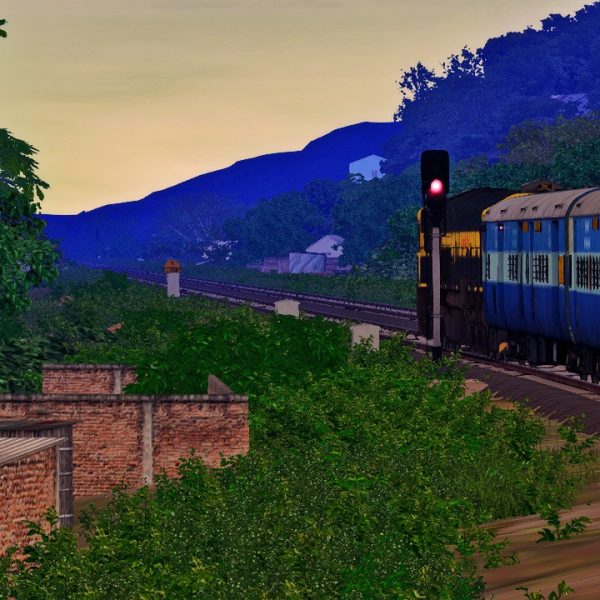
AKtrains ICF Track Sound
Login to see pricesAKtrains ICF Track Sound By atulojha281
Installation Instruction:
To install the AKtrains ICF Track Sound .rwp file in Train Simulator (Railworks), follow these five simple steps:
Step 1: Download the .rwp File
– Locate and download the AKtrains ICF Track Sound .rwp file from a trusted source. Save it to a convenient location, such as your Desktop or a dedicated folder.
Step 2: Open Utilities.exe
– Navigate to your Train Simulator installation folder, typically found at `C:Program Files (x86)SteamsteamappscommonRailWorks`.
– Launch Utilities.exe by double-clicking on it. This tool is essential for managing and installing add-ons.
Step 3: Access Package Manager
– In the Utilities window, click on “Package Manager.”
– Once in the Package Manager, press the “Refresh” button to ensure all available packages are loaded.
Step 4: Install the .rwp File
– After refreshing, click on “Install.”
– A file browser will open; navigate to and select the downloaded AKtrains ICF Track Sound .rwp file.
– Click “Open” and wait for the installation process to complete.
Step 5: Close Utilities and Launch the Game
– Once installation is finished, close Utilities.exe.
– Start Train Simulator to enjoy your newly installed track sound enhancements.
Following these steps will ensure that you successfully install your .rwp file and enhance your Train Simulator experience with AKtrains ICF Track Sound.
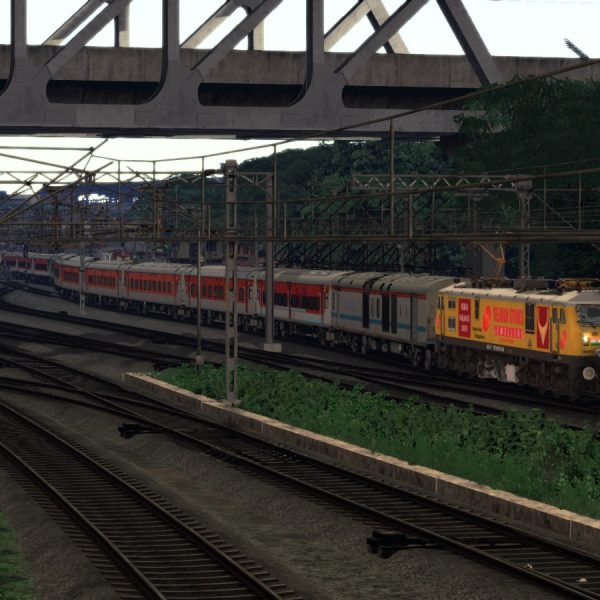
12760-Charminar Express Premium Scenarios
Login to see prices12760-Charminar Express Premium Scenarios
Scenario Name : 12760-Charminar Express Scenarios
Scenario Maker : JOY STICK GAMER
Route : SCR V1
Destination : Hyderabad to Warangal
Addons : FLG AKtrains
Duration(mins) : 120
In this immersive train journey game, players embark on a scenic ride from the bustling city of Hyderabad to the historic town of Warangal. The journey not only showcases the beautiful landscapes of Telangana but also unfolds a narrative filled with adventure, mystery, and cultural exploration.
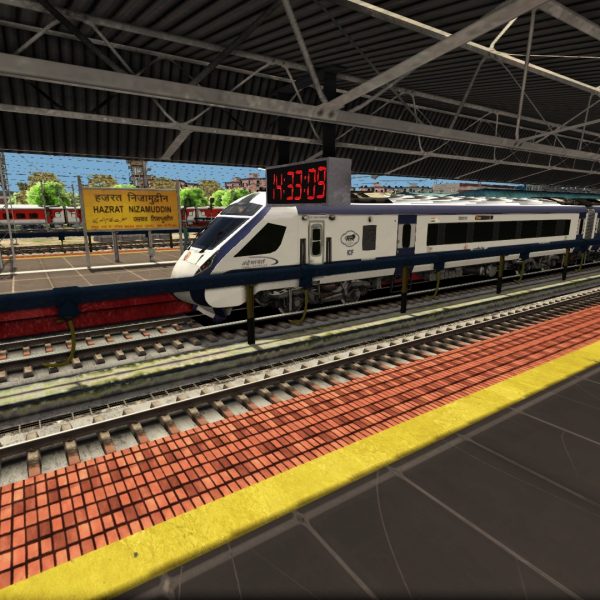
20172 -Hazrat Nizamudin -Habibganj Vande Bharat -NR-NCR DLI-AGC
Login to see pricesScenario Name : 20172 | Hazrat Nizamuddin (NZM) to Rani Kamalapati (RKMP)_Habibganj Vande Bharat Exp
Scenario Maker : King Singh
Route : NCR_NDLS_AGC
Destination : NZM Yard to Mathura Mainline
Addons : FLG DMG
Duration(mins) : 90
Vande Bharat Exp (20172) train runs from H Nizamuddin to Rani Kamalapati Habibganj. This mail express train covers a distance of about 700 km. The train halts at Agra Cantt (AGC), Gwalior Junction (GWL), and Virangana Lakshmibai Jhansi Junction (VGLJ).
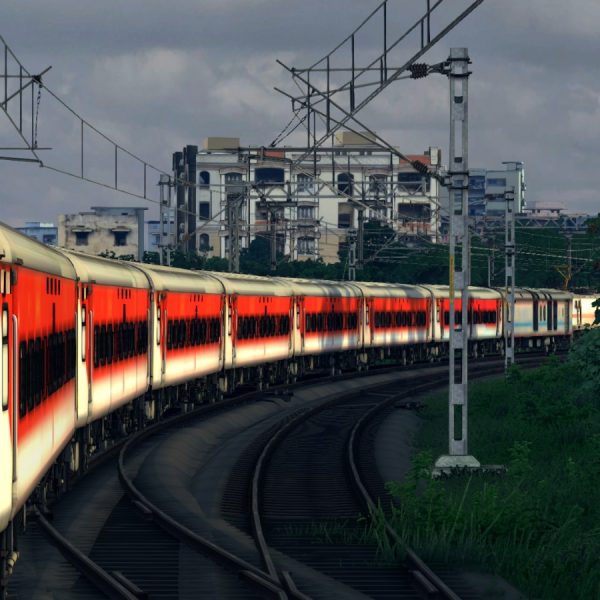
12723 Telangana Express Premium Scenarios
Login to see prices12723 Telangana Express Premium Scenarios
Scenario Name : 12723 Telangana Express Premium Scenarios
Scenario Maker : Vidit Vaswani
Route : SCR V1
Destination : Hyderabad Outer to Kazipet
Addons : FLG DMG AK Trains
Duration(mins) : 94.8
Lua Script Yes
Guard Sound Yes
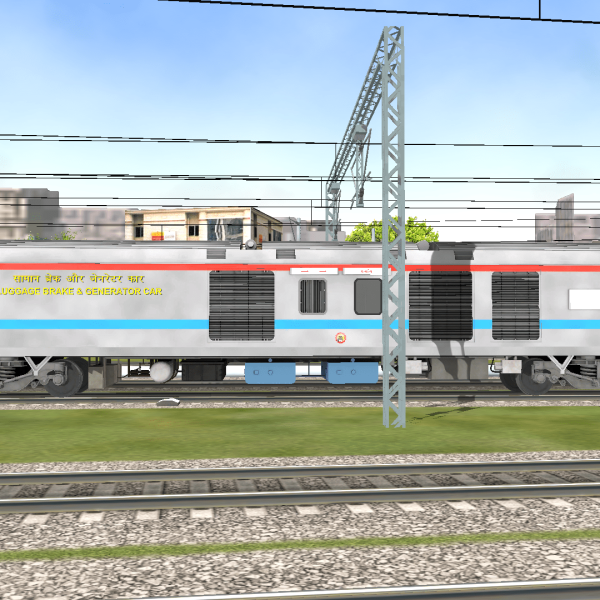
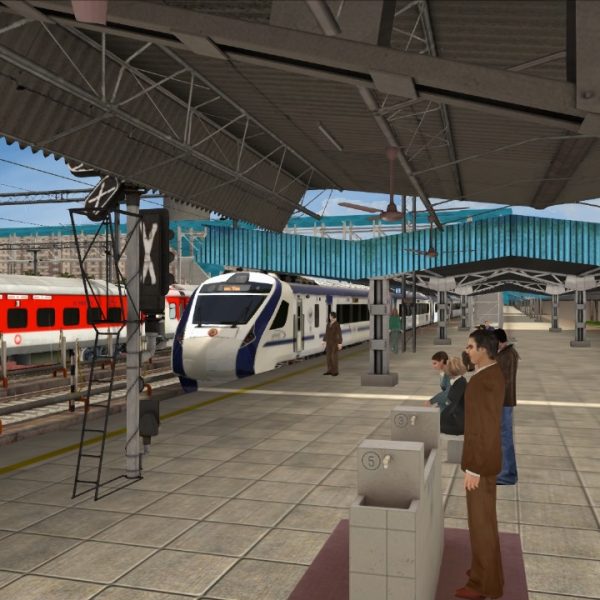
22478 | Shri Mata Vaishno Devi Katra – New Delhi Vande Bharat Express-NRV1
Login to see pricesScenario Name : Vande Bharat Exp 22478 SVDK NDLS
Scenario Maker : King Singh
Route : NR V1
Destination : Ludhiana Outer to Ambala Cant
Addons : FLG ITS
Duration(mins) : 120
The train covers 655 km and stops at seven stations, including Martyr Captain Tushar Mahajan, Jammu Tawi, Kathua, Ludhiana Jn, and Ambala Cant Jn.

MIB Lifetime Membership For Stock
Login to see pricesMIB Lifetime Membership For Stock
Include 10 GB Stock
- Wap4
- Old LHB
- Vistadome
- Double Decker
- Vande Bharat
- MIB LHB Sound
- AJ All Sound Pack In Combo
- MIB Wap7 and Wag9
Upcoming Model
- 3phase Memu
- EMU AC NON AC
- Amrit Bharat
- Vande Metro
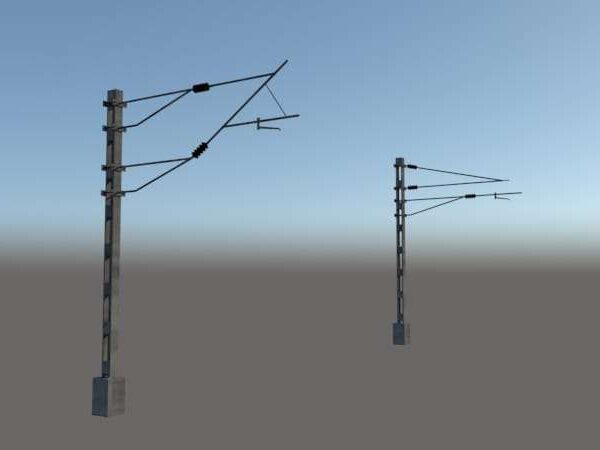
MIB_Premium_Gantry_pack For MSTS
Login to see pricesMIB_Premium_Gantry_pack For MSTS
- HD Texture
- High Detailing
- 4 Types Of OHE Poles
- After Purchase Contact me on +91 78430 88829
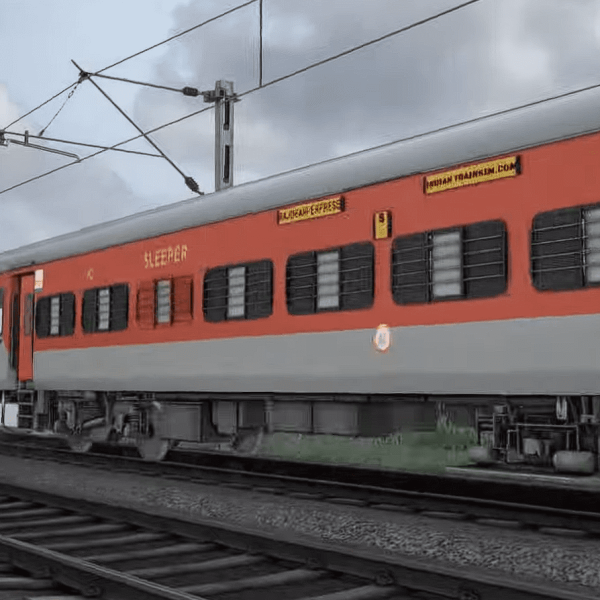
LHB SOUND FOR ITS LHB
Login to see pricesLHB SOUND FOR ITS LHB
To install the `DMG_LHB_SOUND.rwp` file in RailWorks using the utilities, follow these steps:
1. Locate the Utilities Program: Open the Train Simulator Utilities program. This can usually be found in your Steam installation directory under `Steam\steamapps\common\RailWorks`.
2. Open Package Manager: Within the Utilities program, select the Package Manager option. This is where you can manage and install `.rwp` files.
3. Install the RWP File:
– Click on the “Install” button within the Package Manager.
– Navigate to the location where you saved `DMG_LHB_SOUND.rwp` and select it.
– Confirm the installation process. The Package Manager will handle the extraction and installation of the sounds into the appropriate folders within RailWorks.