


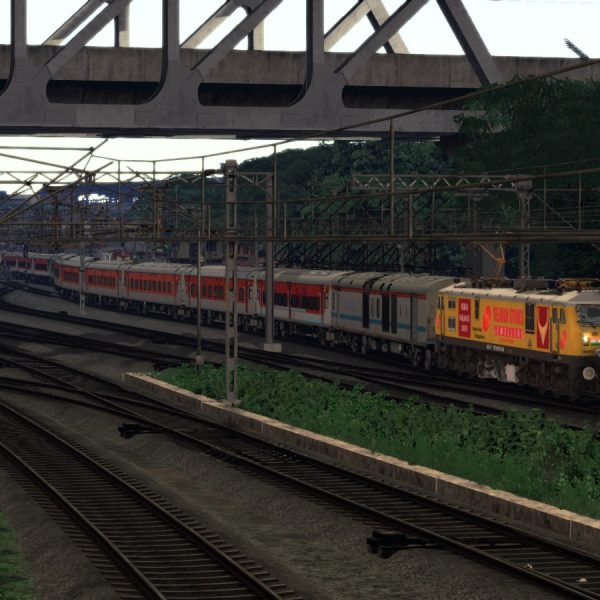
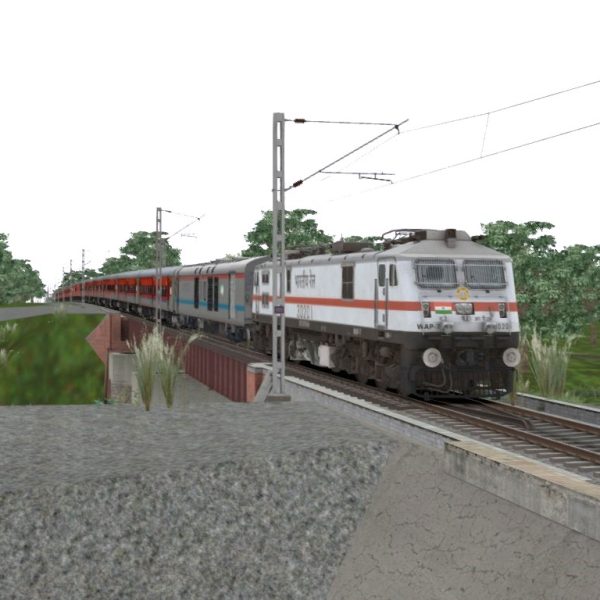
AKtrains ICF Track Sound
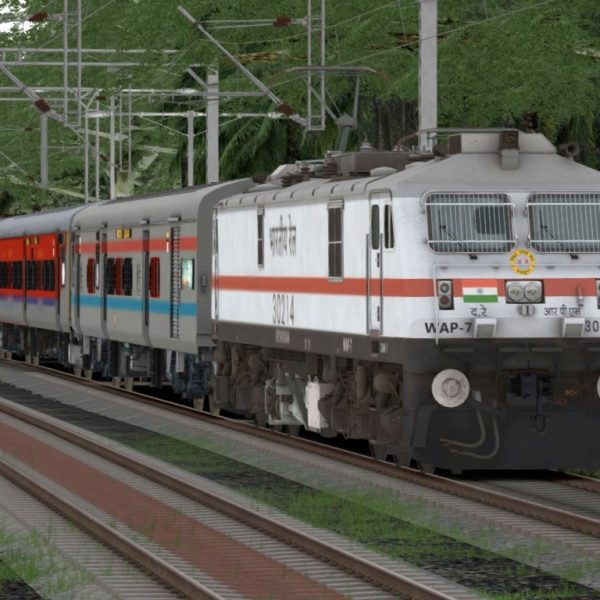
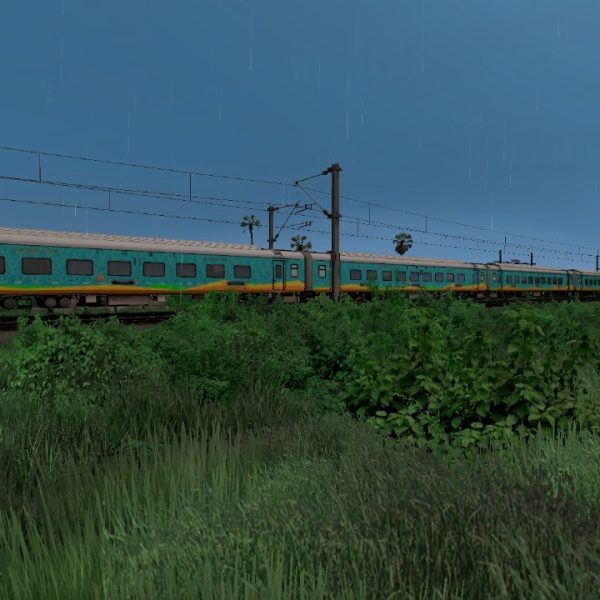
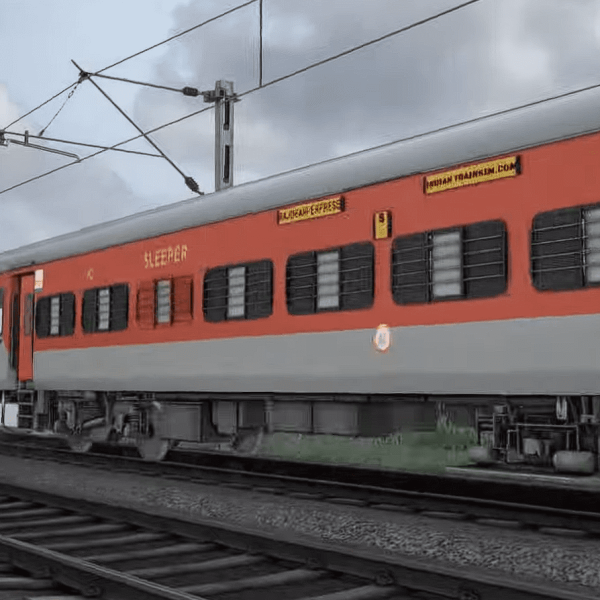
AKtrains ICF Track Sound By atulojha281
Installation Instruction:
To install the AKtrains ICF Track Sound .rwp file in Train Simulator (Railworks), follow these five simple steps:
Step 1: Download the .rwp File
– Locate and download the AKtrains ICF Track Sound .rwp file from a trusted source. Save it to a convenient location, such as your Desktop or a dedicated folder.
Step 2: Open Utilities.exe
– Navigate to your Train Simulator installation folder, typically found at `C:Program Files (x86)SteamsteamappscommonRailWorks`.
– Launch Utilities.exe by double-clicking on it. This tool is essential for managing and installing add-ons.
Step 3: Access Package Manager
– In the Utilities window, click on “Package Manager.”
– Once in the Package Manager, press the “Refresh” button to ensure all available packages are loaded.
Step 4: Install the .rwp File
– After refreshing, click on “Install.”
– A file browser will open; navigate to and select the downloaded AKtrains ICF Track Sound .rwp file.
– Click “Open” and wait for the installation process to complete.
Step 5: Close Utilities and Launch the Game
– Once installation is finished, close Utilities.exe.
– Start Train Simulator to enjoy your newly installed track sound enhancements.
Following these steps will ensure that you successfully install your .rwp file and enhance your Train Simulator experience with AKtrains ICF Track Sound.

AKtrains ICF Track Sound By atulojha281
Installation Instruction:
To install the AKtrains ICF Track Sound .rwp file in Train Simulator (Railworks), follow these five simple steps:
Step 1: Download the .rwp File
– Locate and download the AKtrains ICF Track Sound .rwp file from a trusted source. Save it to a convenient location, such as your Desktop or a dedicated folder.
Step 2: Open Utilities.exe
– Navigate to your Train Simulator installation folder, typically found at `C:Program Files (x86)SteamsteamappscommonRailWorks`.
– Launch Utilities.exe by double-clicking on it. This tool is essential for managing and installing add-ons.
Step 3: Access Package Manager
– In the Utilities window, click on “Package Manager.”
– Once in the Package Manager, press the “Refresh” button to ensure all available packages are loaded.
Step 4: Install the .rwp File
– After refreshing, click on “Install.”
– A file browser will open; navigate to and select the downloaded AKtrains ICF Track Sound .rwp file.
– Click “Open” and wait for the installation process to complete.
Step 5: Close Utilities and Launch the Game
– Once installation is finished, close Utilities.exe.
– Start Train Simulator to enjoy your newly installed track sound enhancements.
Following these steps will ensure that you successfully install your .rwp file and enhance your Train Simulator experience with AKtrains ICF Track Sound.
Only logged in customers who have purchased this product may leave a review.
Vendor Information
- Store Name: Ojhasiwana
- Vendor: Ojhasiwana
- Address:
- No ratings found yet!
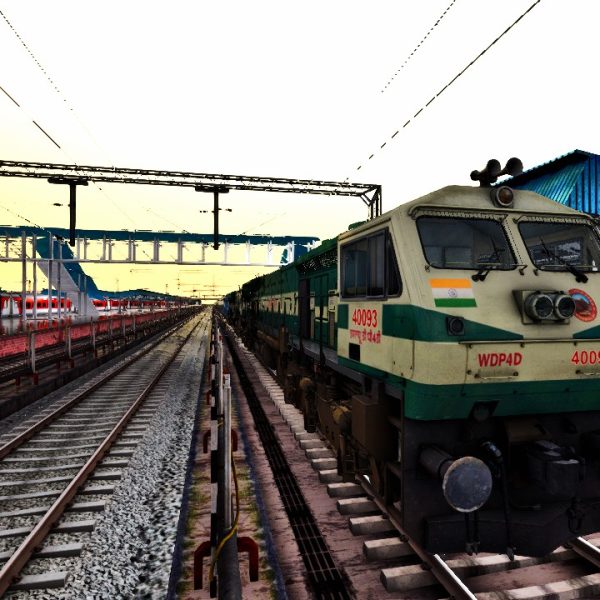
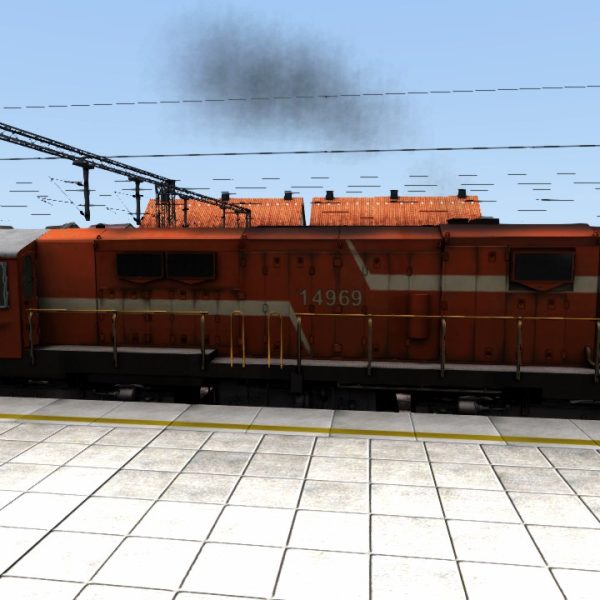



Reviews
Clear filtersThere are no reviews yet.