
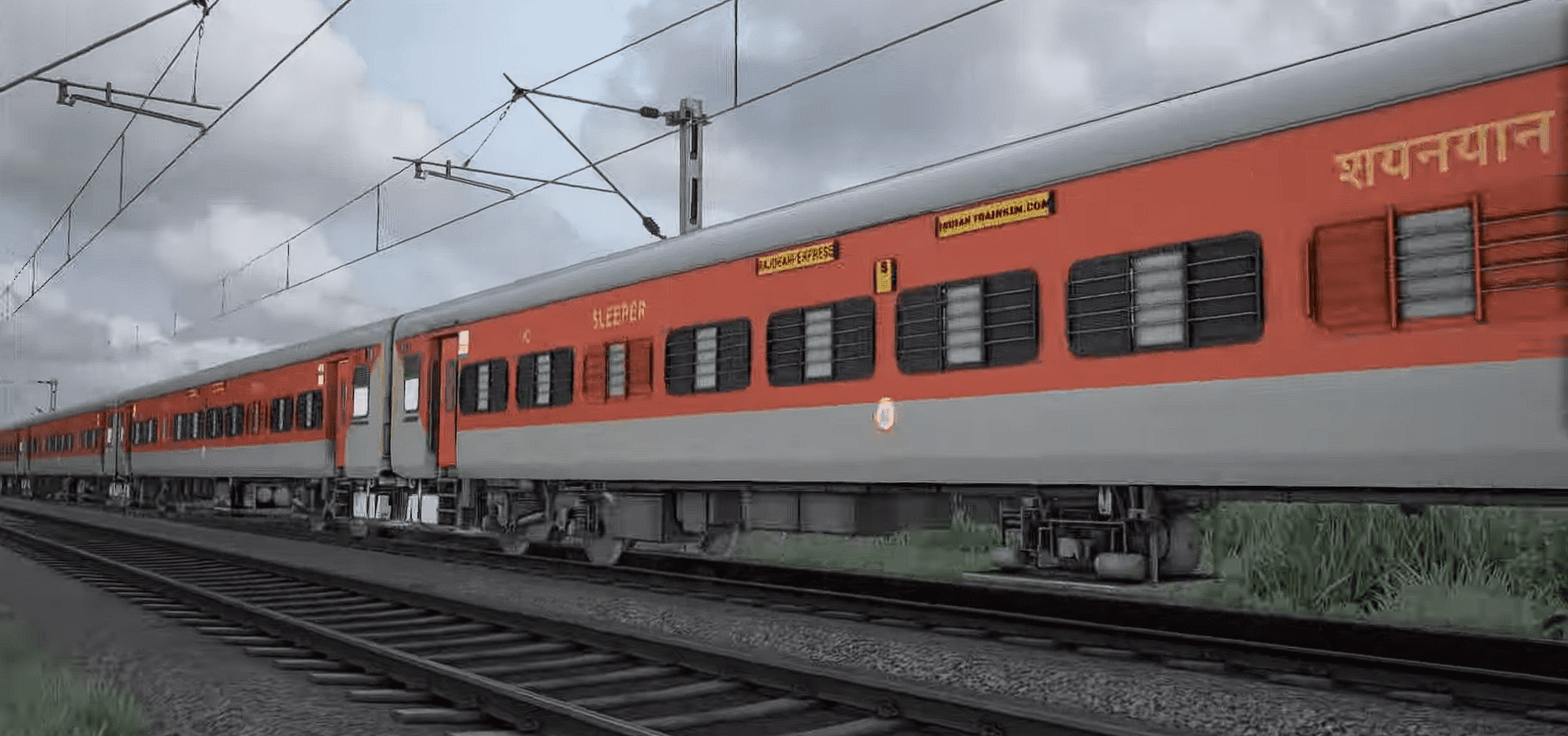
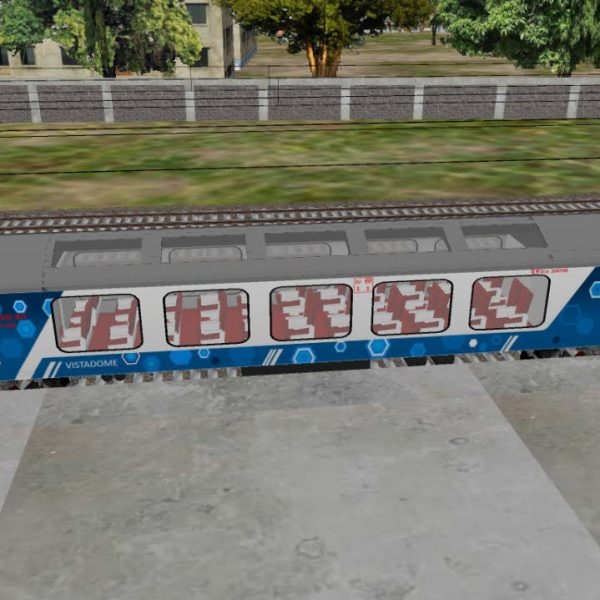
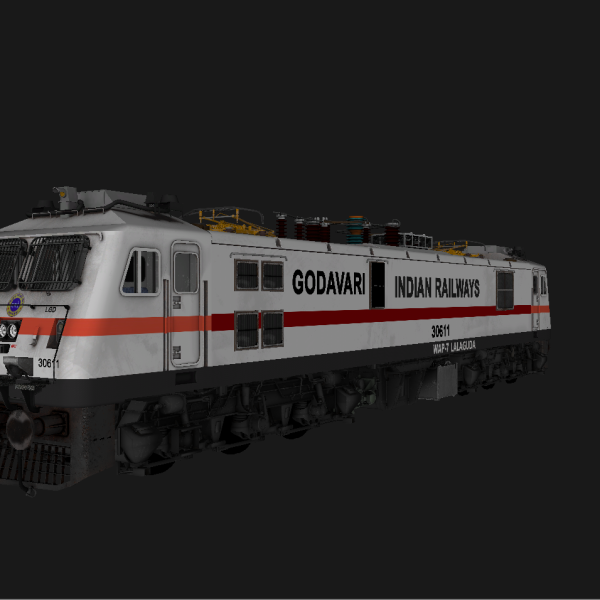
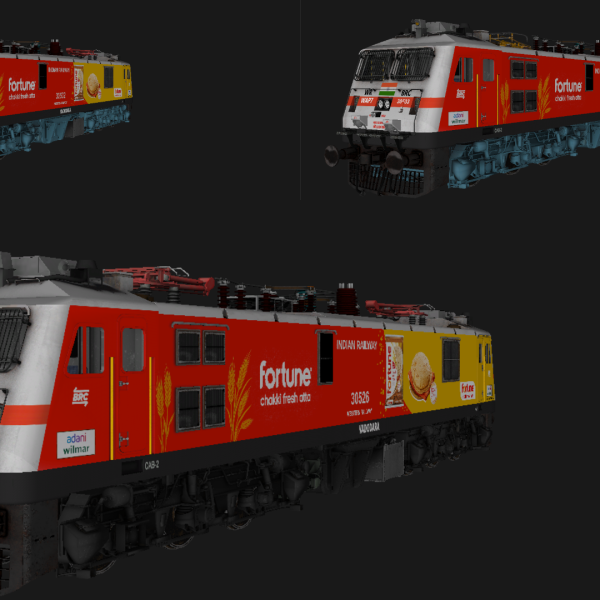
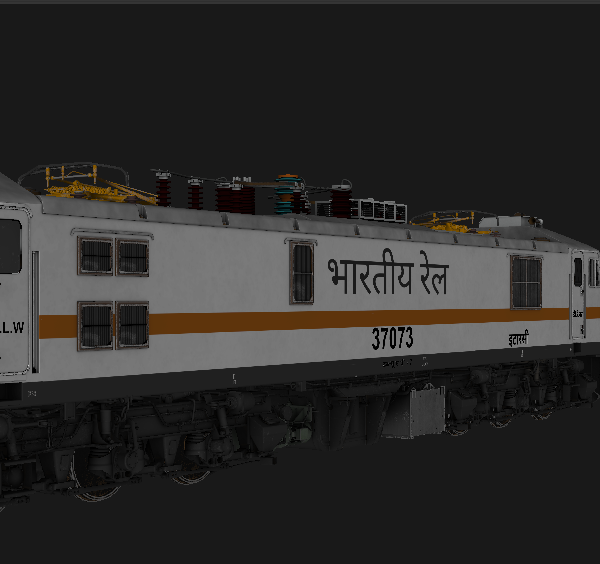
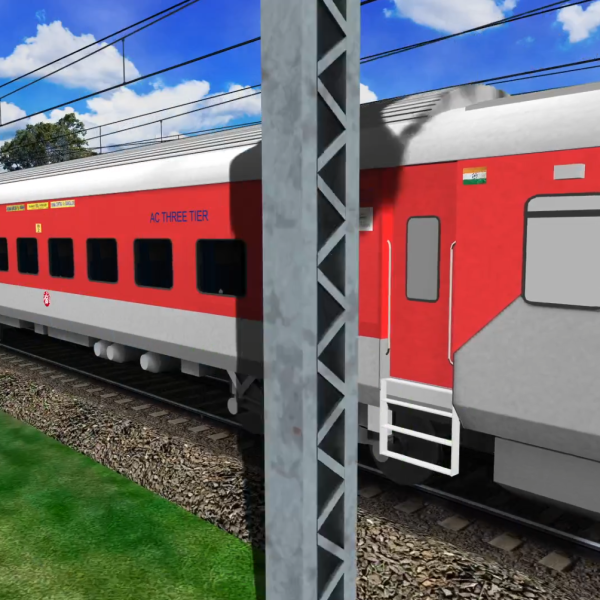
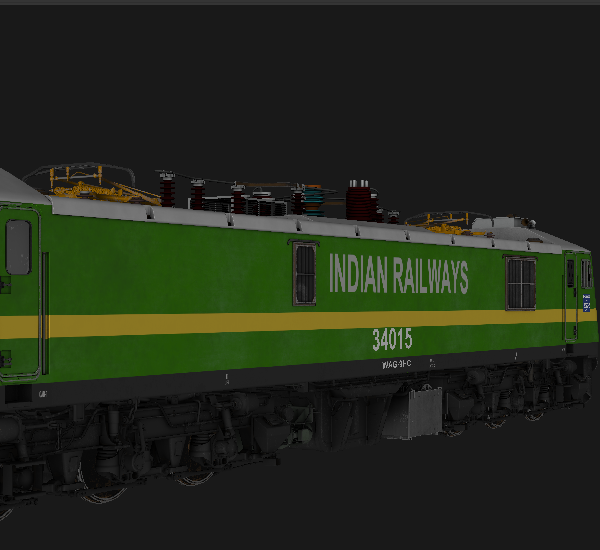
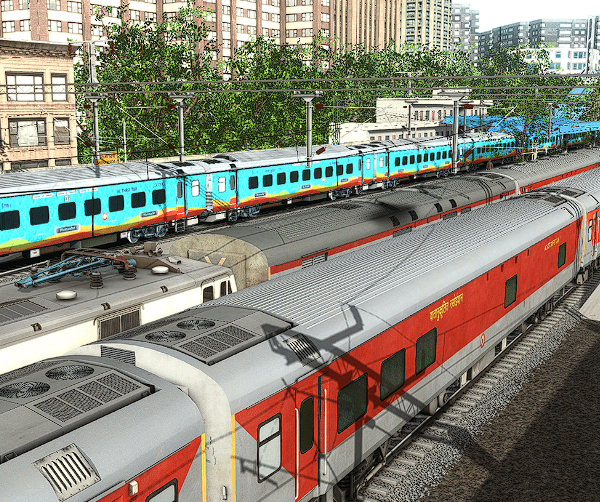
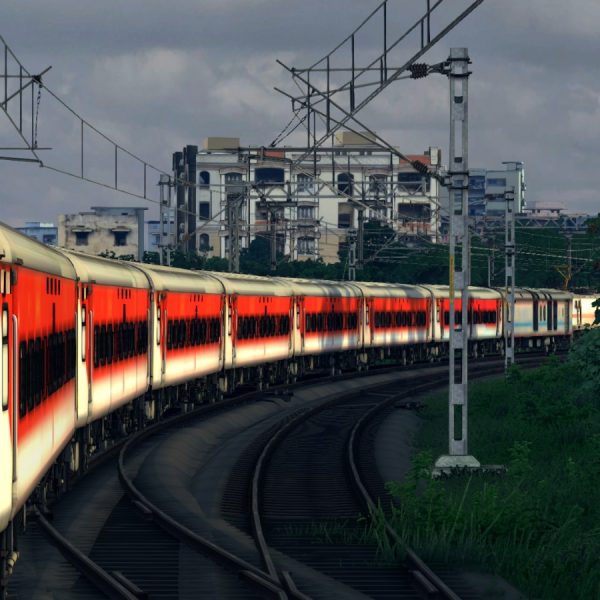
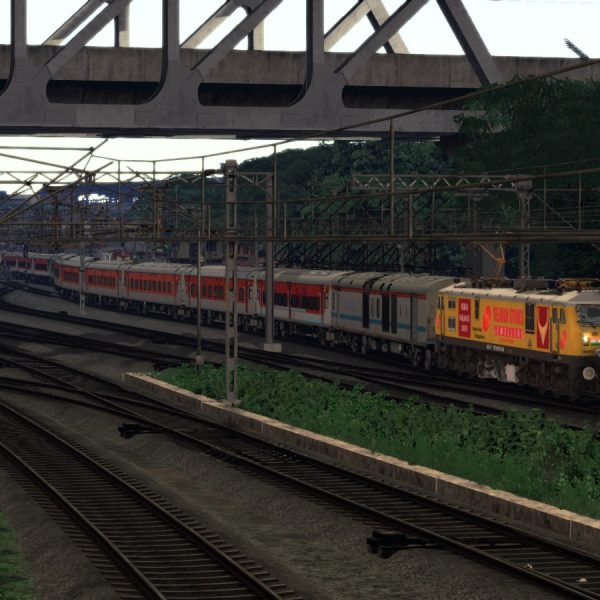
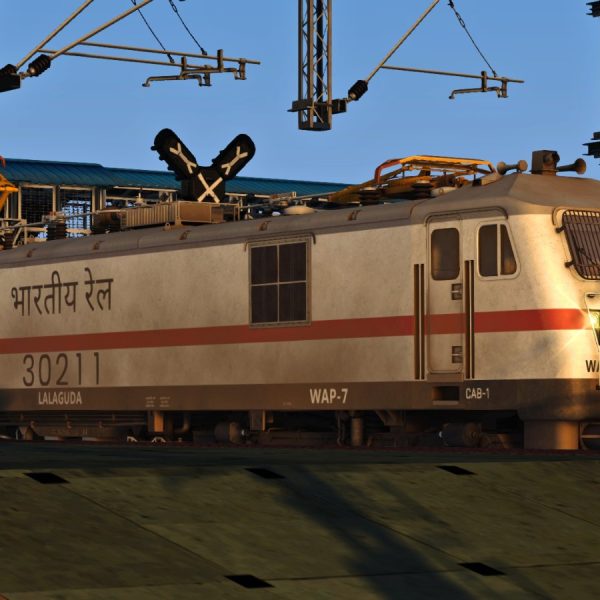
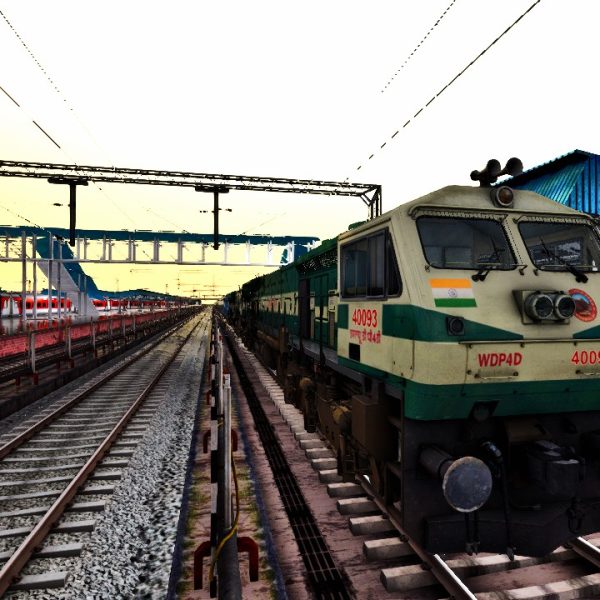
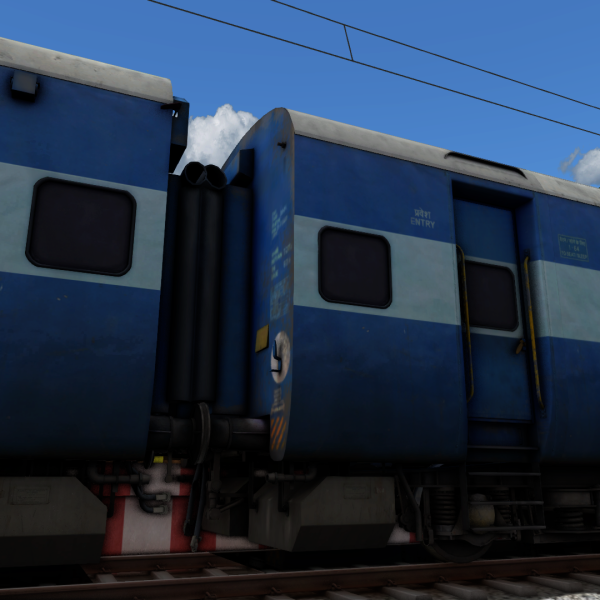
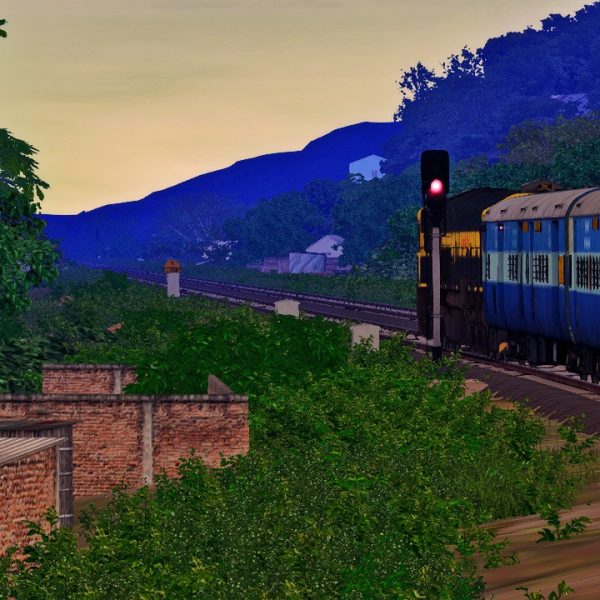
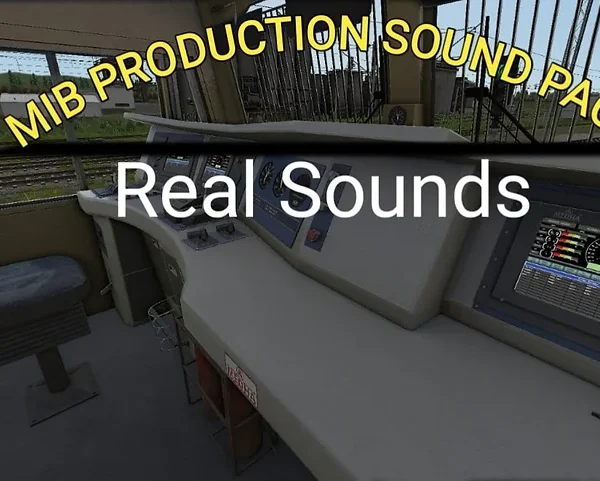
LHB SOUND FOR ITS LHB
LHB SOUND FOR ITS LHB
To install the `DMG_LHB_SOUND.rwp` file in RailWorks using the utilities, follow these steps:
1. Locate the Utilities Program: Open the Train Simulator Utilities program. This can usually be found in your Steam installation directory under `Steam\steamapps\common\RailWorks`.
2. Open Package Manager: Within the Utilities program, select the Package Manager option. This is where you can manage and install `.rwp` files.
3. Install the RWP File:
– Click on the “Install” button within the Package Manager.
– Navigate to the location where you saved `DMG_LHB_SOUND.rwp` and select it.
– Confirm the installation process. The Package Manager will handle the extraction and installation of the sounds into the appropriate folders within RailWorks.

LHB SOUND FOR ITS LHB
To install the `DMG_LHB_SOUND.rwp` file in RailWorks using the utilities, follow these steps:
1. Locate the Utilities Program: Open the Train Simulator Utilities program. This can usually be found in your Steam installation directory under `Steam\steamapps\common\RailWorks`.
2. Open Package Manager: Within the Utilities program, select the Package Manager option. This is where you can manage and install `.rwp` files.
3. Install the RWP File:
– Click on the “Install” button within the Package Manager.
– Navigate to the location where you saved `DMG_LHB_SOUND.rwp` and select it.
– Confirm the installation process. The Package Manager will handle the extraction and installation of the sounds into the appropriate folders within RailWorks.
Only logged in customers who have purchased this product may leave a review.
Vendor Information
- Store Name: MIB Production
- Vendor: MIB Production
-
Address:
Nagpur
nagpur 440001
Maharashtra - No ratings found yet!
Reviews
Clear filtersThere are no reviews yet.